How Do I Access the Programming Menu on the SunStar Solar Pool Heater Controller?
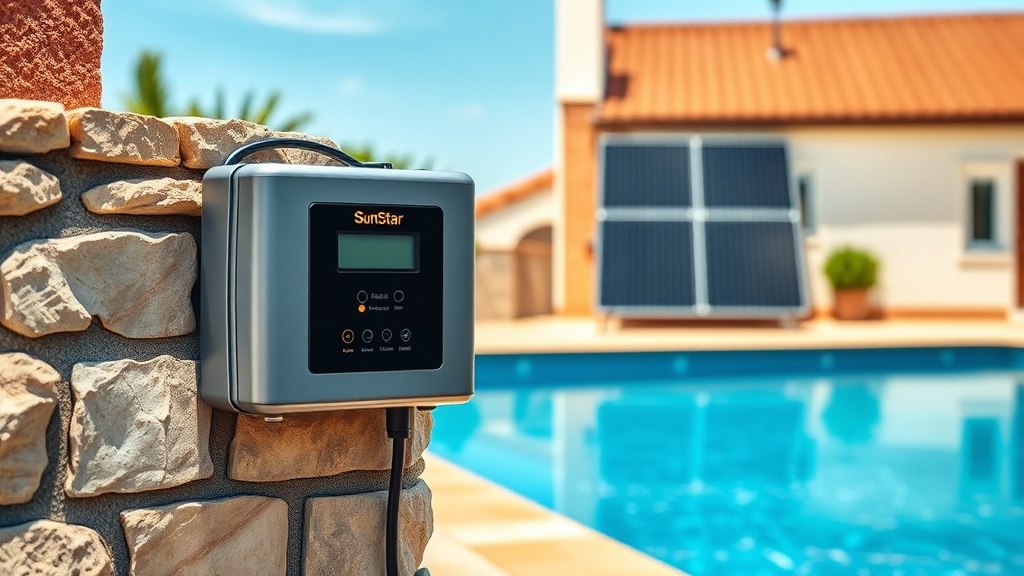
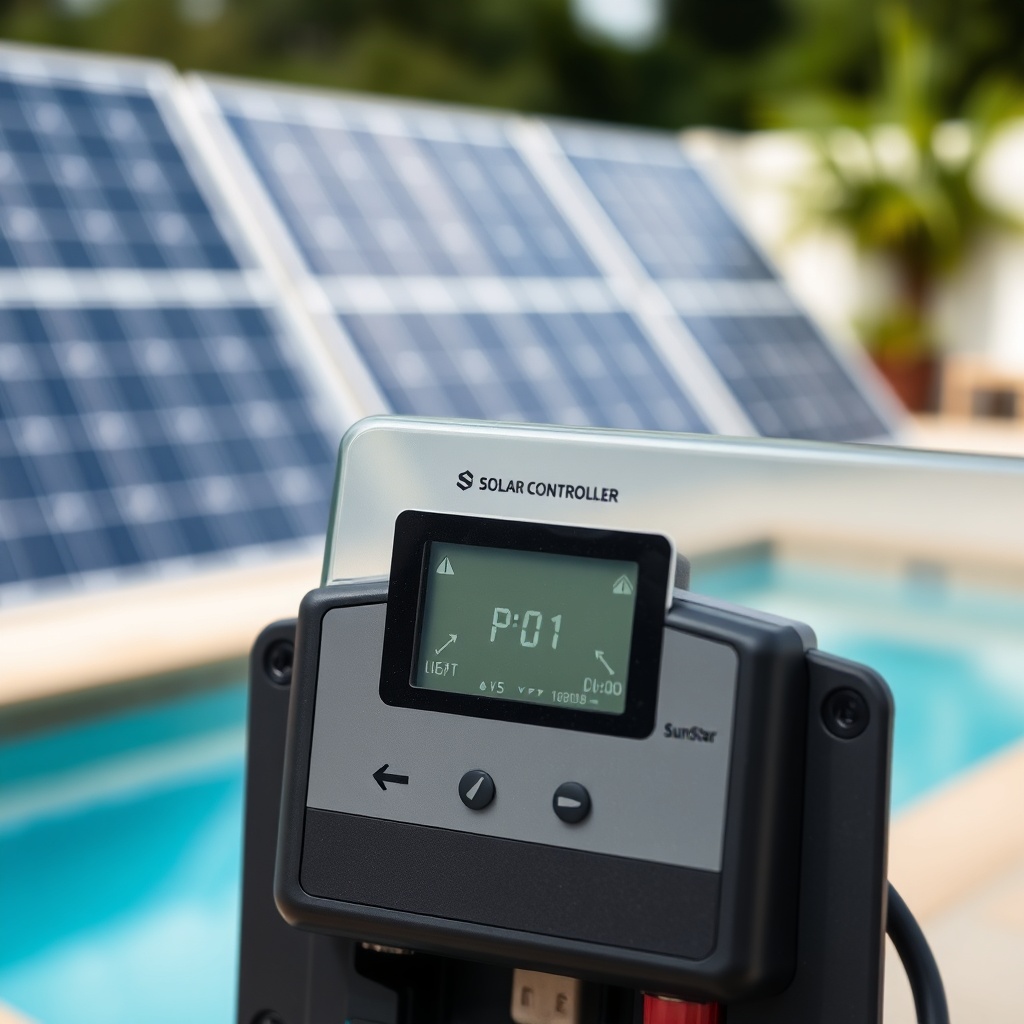
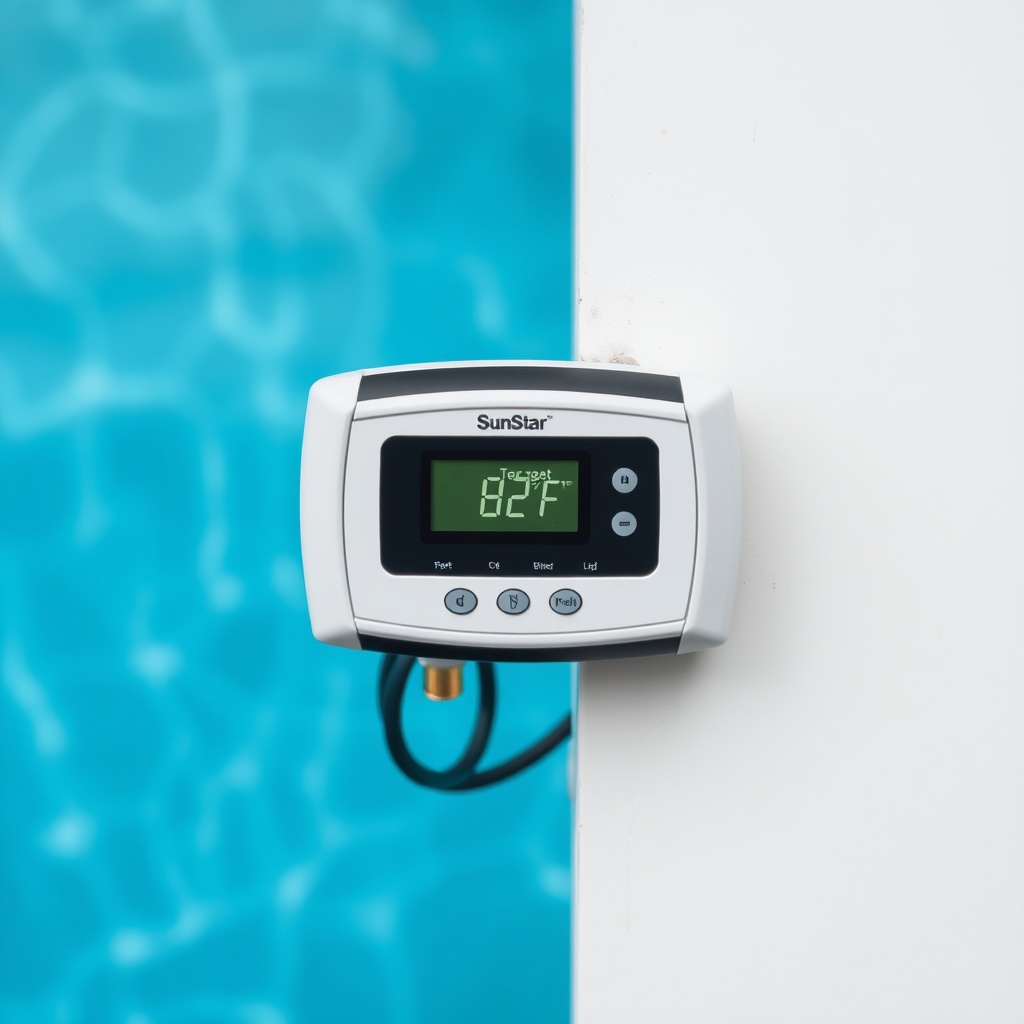
The SunStar Solar Pool Heater controller is designed for straightforward, daily use, but accessing the programming menu requires a specific sequence to prevent accidental changes. First, ensure the system is powered on and the main display shows the current water temperature. Press and hold the “Mode” button for approximately three seconds until the display flashes a “P-01” code. This indicates you’ve entered the parameter setup mode. The controller will cycle through eight programmable parameters (P-01 through P-08), each controlling a specific function like target temperature, differential settings, or freeze protection thresholds. Use the “Up” and “Down” arrow keys to adjust the value for the displayed parameter, then press “Set” to confirm. To exit programming mode, press and hold “Mode” again for three seconds. The controller will return to normal operation, saving all changes.
If you accidentally enter a parameter and make a change, the controller will automatically revert to the previous value if you exit without pressing “Set” within 30 seconds. This safety feature prevents unintended programming mishaps. For owners who want to reset all parameters to factory defaults, navigate to parameter P-08 and set it to “0,” then confirm. This clears all custom settings and is particularly useful after a battery replacement or if you’ve inherited a used system. Always check that the sensor wires are securely connected before programming, as loose connections can cause erratic readings or failure to save changes. For common issues, refer to the SunStar Solar Pool Heater Not Heating? Troubleshooting Steps guide.
What Is the Correct Differential Setting (P-02) for My SunStar System?
The differential setting (P-02) controls how much hotter the solar collector needs to be than the pool water before the pump activates. The factory default is 5°F (2.8°C), but this may not be optimal depending on your climate, collector orientation, and desired swimming temperature. A lower differential (e.g., 3°F or 1.7°C) will cause the system to run more frequently, maintaining a more consistent pool temperature but potentially increasing pump runtime and energy use. A higher differential (e.g., 7°F or 3.9°C) reduces cycling but means you’re only harvesting heat when the collector is significantly warmer, which can be less efficient on partially cloudy days. Most experienced owners in Southern California set their differential to 4°F for maximum heat gain without excessive pump cycles. In Northern states with shorter heating seasons, a 5°F to 6°F setting often works better to avoid short cycling on mild afternoons. The controller’s temperature sensor accuracy is ±0.5°F, so values below 3°F may cause the system to short cycle.
To gauge if your differential is correct, observe the system during peak sunshine: the pump should run for at least 15–20 minutes per cycle, not just 2–5 minutes. Short cycling wastes energy and wears the pump motor. Conversely, if the pump rarely runs but your pool is still cool, try reducing the differential by 1°F increments. Note that the differential setting interacts with the “Collector Off” temperature (P-03), which defines when the pump stops if the collector cools below the pool temperature. A practical starting point for most domestic pools in the UK or US is a 4°F to 5°F differential, adjusting by 1°F per week until ideal performance is achieved. For pump sizing considerations, see the SunStar Solar Pool Heater Pump Requirements: GPM Guide.
How Do I Set the Pool Target Temperature (P-01) and Enable Night Setback?
Parameter P-01 sets the target pool temperature, typically between 70°F and 104°F (21°C to 40°C) based on your controller model. Press and hold “Mode” to enter programming, navigate to P-01, then use the Up/Down keys to select your desired temperature. Press “Set” to save. A common mistake is setting this below the ambient air temperature during summer, which can cause the system to never attempt heating even when the collector is hot. The controller uses a built-in “heat demand” logic: if the pool is above target, the system will not run the pump for solar heating, but will still engage freeze protection. For night setback—where you allow the pool to cool slightly overnight to save energy during shoulder seasons—consider setting a lower target temperature during non-peak hours. However, the base SunStar controller does not support time-based setbacks; that requires an add-on module like the SunStar SmartLink. Without it, the only way to achieve a night setback is to manually change P-01 in the evening and reset it in the morning. This is a common workaround for budget-conscious owners but can be tedious. If you program the controller to a lower night temperature, ensure the freeze protect (P-04) is set to at least 38°F to avoid damage in colder months.
Some owners use a programmable timer on the pump itself as a crude night setback, but this can interfere with the controller’s logic because the controller needs pump power to operate its sensors and relay. The better approach is to invest in the SunStar remote temperature probe system, which allows you to set two profiles: one for daytime and one for evening. This add-on costs approximately $150–$200 USD and is available from most pool supply retailers. If you’re manually adjusting, write down your typical target temperatures for each season—for example, summer 86°F, spring/fall 82°F, and night 78°F—so you can recall them quickly. For more on panel sizing, browse Sizing a SunStar Solar Pool Heater for Your Pool.
How Do I Program Freeze Protection (P-04) and Overheat Protection (P-05)?
Freeze protection (P-04) is critical for systems exposed to freezing temperatures, even in mild climates where overnight frost can occur. The factory default setting is 38°F (3.3°C), meaning if the collector temperature drops to this value, the controller activates the pump to circulate warm pool water through the panels, preventing ice formation. You can adjust P-04 from 35°F to 45°F (1.7°C to 7.2°C) in 1°F increments. Setting it too high (e.g., 45°F) will cause unnecessary pump runs on chilly evenings, wasting energy. Setting it below 35°F risks panel freeze damage—solar panels are expensive to replace. For most pools in the UK or northern US, 40°F is a safe compromise. Overheat protection (P-05) prevents the collector from reaching dangerously high temperatures, typically when the pump fails or a blockage occurs. The factory setting is 230°F (110°C), but this can be adjusted down to 190°F (88°C) if you have older fragile panels or up to 250°F (121°C) for modern tempered panels. The controller will display an “OH” error code if this threshold is exceeded, and it will stop the pump until temperatures normalize. To test overheat protection, you can temporarily disable the pump and monitor the collector temperature on the display—though this is not recommended unless you’re prepared for a potential shutdown. If you experience frequent overheat alarms, check for debris blocking the collector or a stuck relay. For pump questions, review the SunStar Solar Pool Heater Pump Requirements: GPM Guide.
What Do the Error Codes Mean During Programming?
SunStar controllers display error codes as two-letter abbreviations on the main screen. Here’s a quick-reference severity table for the most common codes:
| Error Code | Meaning | Severity |
|---|---|---|
| E1 | Sensor short circuit or open circuit—usually a broken wire or loose connection | Needs attention soon |
| E2 | Collector temperature exceeds overheat limit—check pump and water flow | Needs attention soon |
| E3 | Freeze protection active—pump cycling to prevent ice—usually not urgent | Usually not urgent |
| E4 | Parameter memory corruption (factory reset usually clears) | Needs attention soon |
| F1 | Internal relay failure—controller may need replacement | Needs attention soon |
| LO | Low battery in remote sensor (if applicable)—replace sensor battery within 30 days | Usually not urgent |
If an error persists after rebooting the controller (power off for 30 seconds), check the sensor wiring first. The sensor is a 10kΩ NTC thermistor; you can test it with a multimeter at the controller terminals. A reading between 8kΩ and 12kΩ at room temperature (77°F) indicates a functional sensor. Clear the error by pressing “Set” for five seconds—this will acknowledge the code but not fix the underlying cause. For repeated E2 errors, confirm the pump is moving water at least 15–20 GPM through the panels—low flow due to a clogged filter or undersized pump is a common culprit. If you have a newer controller with Bluetooth connectivity, check the SunStar mobile app for detailed diagnostics, such as historical temperature logs and error timestamps.
How Do I Use the Manual Override Function for Priming or Testing?
The SunStar controller includes a manual override that forces the pump to run without temperature rules, useful for priming after a filter change or testing the pump operation. To engage manual override, while the system is in normal operating mode, press the “Mode” button once (not held) until the display shows “MAN.” The pump will start immediately and run continuously until you exit manual mode by pressing “Mode” once more to return to auto. The controller still monitors freeze and overheat protection in manual mode, so it will disable the override if the collector exceeds 230°F or drops below 40°F, preventing damage. This is a safety feature you cannot bypass. When using manual override for priming, monitor the pressure gauge on the filter—if it spikes, there may be air in the lines, and you should turn off the pump and bleed the air valves before retrying. Manual mode is also handy for winterizing: run the pump on manual for 10 minutes with the valve set to recirculate to ensure all water is purged from the panels. After winterizing, remember to exit manual mode; otherwise, the pump will run indefinitely, wasting energy or running dry. Some owners also use manual override to speed up heating on a very hot day when the differential would normally keep the pump off—but this bypasses energy savings, so use sparingly. For more troubleshooting tips, see SunStar Solar Pool Heater Not Heating? Troubleshooting Steps.
What Owners Say About the SunStar Controller Programming
Long-time owners often note that the controller’s lack of a user-friendly menu structure is the steepest learning curve. One experienced pool owner in Florida remarked, “After a few weeks, the sequence becomes second nature, but the first time I had to change the differential, I had to watch a 10-minute video twice. Still, once it’s set, you rarely touch it.” Another owner in California praised the reliability: “I’ve had the same controller for six years, and the only time I had to reprogram was after a power outage that reset it to factory defaults. The backup battery in the controller saved me once, but on the second outage, it died, and I had to re-enter all parameters.” Many owners recommend writing down your preferred settings (target temp, differential, freeze point) and taping them inside the controller lid as a cheat sheet. “I also mark the battery replacement date on the wall mount,” says a UK owner, “because the controller drains the CR123A battery every 18–24 months, and you’ll know when the display dims.” Common advice includes setting the differential to 4°F as a baseline and only adjusting if the pool isn’t reaching target. Owners in colder climates emphasize testing freeze protection in autumn by temporarily setting P-04 to 45°F to see if the pump activates—an easy way to verify the system works before winter.
Frequently Asked Questions
How do I reset the SunStar controller to factory defaults?
Enter programming mode by pressing and holding “Mode” for three seconds until “P-01” appears. Navigate to parameter P-08 using the Up arrow, set its value to “0,” then press “Set.” The controller will confirm with a triple beep and revert to original factory settings, including a 5°F differential and 80°F target temperature. Note that this clears all custom settings, including freeze and overheat limits.
What tools do I need to program the SunStar controller?
No tools are required—the controller is programmed using the built-in “Mode,” “Up,” and “Down” buttons on the front panel. A small screwdriver may help remove the cover to access the terminal block for sensor wiring, but programming is entirely button-operated. Keep the user manual nearby for your specific model number; the button layout is identical across all residential SunStar controllers since 2018.
Why does my SunStar controller show “LO” on the display?
The “LO” code indicates a low battery in the wireless remote temperature sensor, if your system has one. Replace the CR123A battery inside the sensor housing. The sensor is typically mounted near the collector outlet pipe inside a weatherproof enclosure. After replacement, press “Set” on the controller to clear the code. If the code persists, the sensor may need to be paired again—hold the sensor’s sync button for five seconds while the controller is in pairing mode (press “Mode” and “Up” simultaneously).
Can I program multiple temperature schedules into the SunStar controller?
The base SunStar controller does not support time-based scheduling or multiple daily profiles. You can only set one pool target temperature (P-01) at a time. For multi-schedule capability, you need the optional SunStar SmartLink module, which costs $199 USD and connects to your home Wi-Fi for app-based scheduling. Without it, manual adjustment of P-01 is the only way to change the desired pool temperature for different times of day.
What should I do if the controller enters a continuous programming loop?
If pressing buttons causes the display to cycle through parameters without allowing you to stop, the controller may have stuck buttons due to moisture or dirt. First, power off the controller for 10 seconds, then press “Mode” once to enter normal mode. If the loop persists, check for debris around the buttons—use compressed air or a soft brush. If that fails, try a factory reset (P-08 to 0). Some users have resolved this by spraying a contact cleaner behind the buttons, but this may void the warranty.
Is there a risk of damaging the pool pump if I misprogram the controller?
Misprogramming the controller will not physically damage the pump because the controller only turns the pump on/off via a relay. However, setting the differential too low (e.g., 2°F) can cause excessive short cycling, leading to pump motor wear over time. Also, disabling freeze protection (setting P-04 to 0°F) risks frozen panels, which can destroy the solar collector. Always cap freeze protection at 35°F minimum. Overheat protection (P-05) should never be set below 190°F unless you are sure your panels can handle the temperature—most cannot.