Getting the most from your Fafco Solar Bear system means dialing in the controller settings for your specific pool and climate. While the panels themselves are durable and efficient, the controller is the brain that decides when heat flows. This guide walks through the essential menu options and adjustments, so you can stop guessing and start heating on your terms.
Why Does My Fafco Solar Bear Controller Keep Shutting Off?
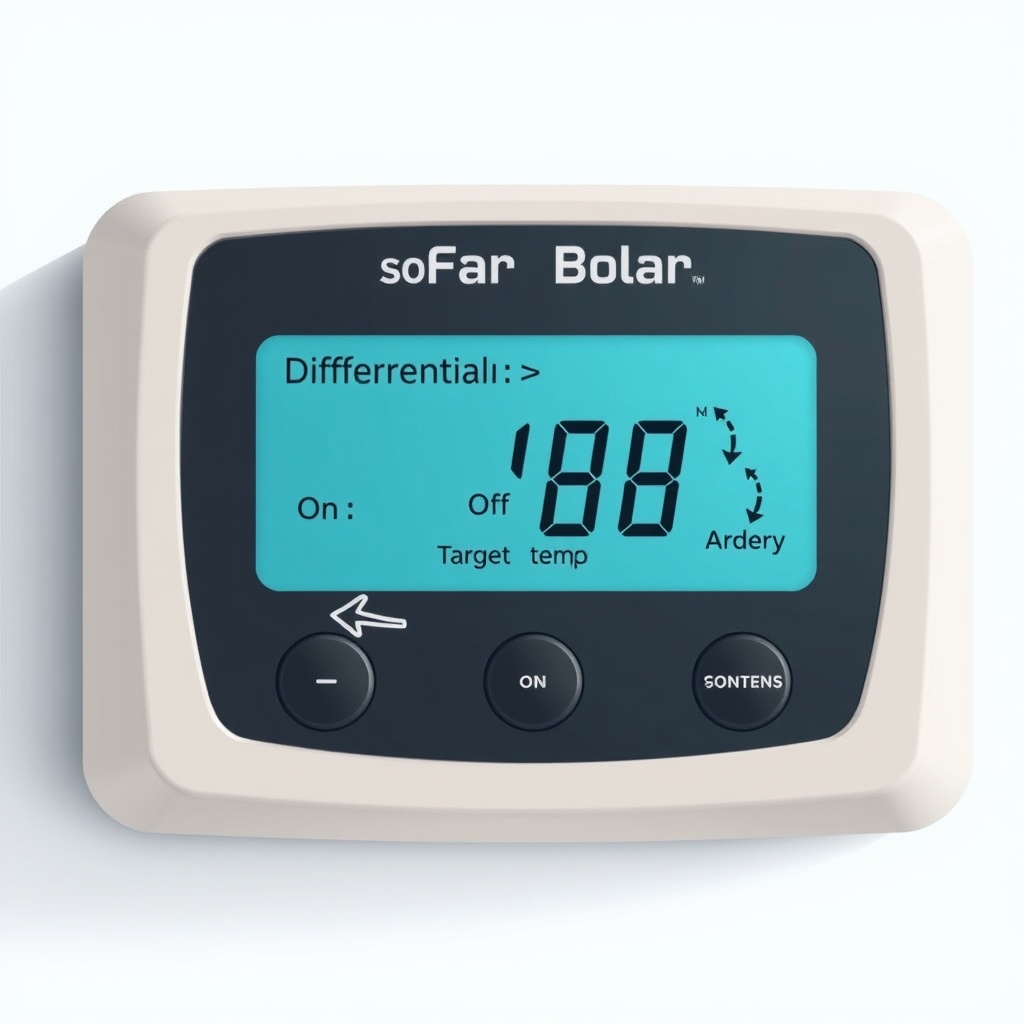
This is the most common head-scratcher for new owners. The controller has a built-in safety that shuts off the pump when the collector temperature exceeds a set threshold—usually around 180°F (82°C). On a hot, sunny day with low pool demand, the panels can stagnate. The controller senses this and pauses circulation to prevent damage to the collector or pump seals. It’s not a bug; it’s a feature. However, if it happens frequently (more than a few times per season), you may need to adjust the Differential On and Off settings. Typical factory defaults are 6°F (3.3°C) for On and 3°F (1.7°C) for Off. Raising the Off setting to 4°F or 5°F can reduce rapid cycling, especially if your roof mount gets direct sun all day. Check our Fafco Solar Bear Roof Mounting Kit: Step-by-Step Installation for tips on panel orientation that help airflow.
What Is the Differential Setting and How Do I Change It?
The differential is the temperature gap between your collector and pool water that tells the controller to start circulating. Most Fafco controllers use a simple thermistor sensor in the collector and one in the pool plumbing. The default differential is 6°F (3.3°C), but you can adjust it in the settings menu (often holding the Mode button for 3 seconds). A lower differential (4°F) means the system starts sooner, capturing heat earlier in the morning but also cycling more. A higher differential (8°F) delays start-up but reduces pump wear. For a sunny pool in the southern U.S., 6°F works well. For overcast regions (Pacific Northwest), dropping to 4°F can add an extra hour of heating per day. Keep in mind: the controller also has a freeze protection mode—if the collector temp drops below 40°F (4°C), it will circulate warm pool water through the panels to prevent ice damage. That bypasses the differential entirely.
| Differential Setting | Typical Behavior |
|---|---|
| 4°F (2.2°C) | Aggressive capture, starts early morning, more pump cycles |
| 6°F (3.3°C) | Standard—balanced for most pools and climates |
| 8°F (4.4°C) | Conservative, delays start, less pump wear, may miss heat |
If you’re unsure where to start, keep the differential at 6°F and only adjust if you see excess cycling or a lag in temperature rise.
How Do I Set the Pool Temperature Target on a Fafco Solar Bear Controller?
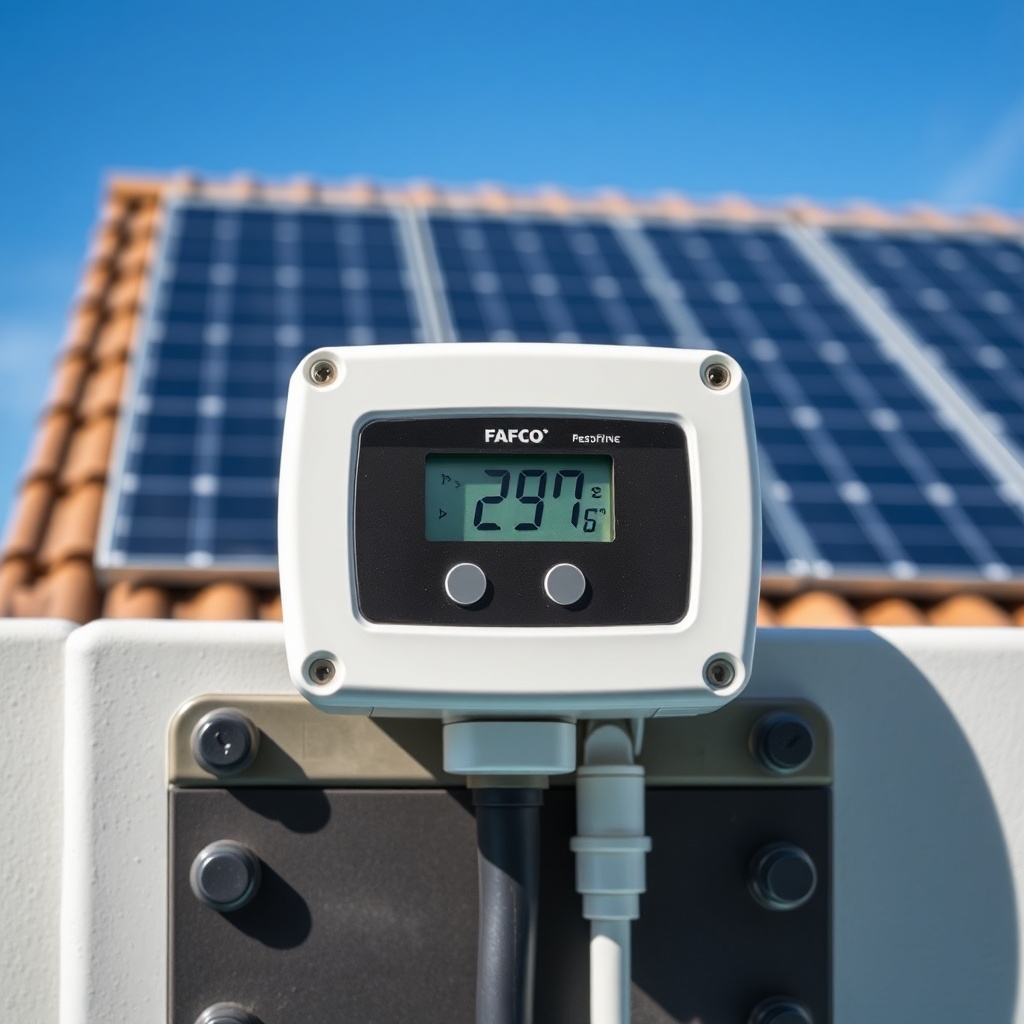
Setting a target temperature is straightforward—usually a dedicated Temp Up/Down button. But don’t confuse this with the thermostat on a gas heater. The Solar Bear controller will only circulate when the collector is warmer than the pool water. So if you set a target of 88°F (31°C) but the collector is only at 82°F (28°C), the system will remain off. The target is a limiter: once the pool reaches that temp, the pump stops even if the collector is hot. A practical tip: set your target 2–3°F below your ideal comfort level if you have a solar cover. The cover adds heat overnight, so you’ll often hit 86°F by lunch without the collector running all day. If you overshoot, the controller will just idle. For maximum efficiency in spring or fall, consider a target of 80–82°F (27–28°C) and rely on the natural thermal gain from the panels.
What Does the “Freeze” and “Manual Override” Button Do?
The freeze function is automatic—no button needed. The controller monitors the collector sensor, and if it dips to 40°F (4°C) or below, it activates the pump to circulate warm pool water through the panels. This prevents the water inside from freezing and cracking the rubber-like EPDM panels. The Manual Override button (often labeled “Manual” or “Run”) forces the pump to run regardless of temperature differentials. Use it sparingly—it’s meant for testing, priming the system after maintenance, or if you need to drain water from the panels during a freeze warning when power might cut out. Holding it for 3 seconds usually triggers a 10-minute manual cycle. Never leave manual mode on for extended periods; it can overheat the collector if the pump runs when the panels are already hot. For more detailed troubleshooting on physical panel issues, see Fix a Leaking Fafco Solar Bear Collector Panel.
How Do I Adjust Settings for Seasonal Use (Winter, Summer, Shoulder Seasons)?
The controller doesn’t have a “season” mode, but you can mimic it by tweaking the differential and target temp. In summer, when the sun is high, you might want a higher differential (6–8°F) to prevent the pump from cycling on every mild temperature spike. In spring and fall (shoulder seasons), lower the differential to 4°F to capture every bit of warmth. Some controllers offer a “Priority” or “Solar Preference” setting—if yours does, set it to Solar First so the system uses the sun before calling on a gas or heat pump heater. Don’t adjust the freeze protection; that should stay at the factory default (around 40°F). If you live in an area with hard frosts, consider using the freeze function as a secondary check even if you drain the panels. For a complete sizing and performance estimate, run the numbers through our How Many Fafco Solar Bear Panels Do You Need? A Sizing Guide.
What Owners Say
“I was baffled why the pump kept turning off in the afternoon. Turned out the collector was hitting 180°F. I bumped the Off differential to 5°F, and now it runs smoothly through the heat of the day.” — Mike, Arizona, installed 8 panels in 2022
“Our kids wanted the pool at 88°F by May. I set the target at 86°F and let the controller run from 10 a.m. to 4 p.m. with the cover on. We hit 85°F almost every day without running the gas heater at all.” — Lisa, North Carolina, system size 12 panels
Frequently Asked Questions
Can I use my existing pool pump timer with the Solar Bear controller?
Yes, but it’s not recommended. The controller needs to run the pump independently based on temperature, not a fixed schedule. If you use a timer, set it to overlap the solar controller’s operation window (e.g., 10 a.m. to 6 p.m.), and let the Fafco controller decide when to actually open the valve and circulate.
What does the “Error” code mean on the display?
Common codes: E1 (collector sensor shorted or open), E2 (pool sensor issue), and E3 (valve motor fault). Check the sensor wires for damage—typically a 10k ohm thermistor. If you see an error, the controller defaults to a safe mode (no circulation). Replace the sensor if needed (about $15–$20 from Fafco).
Can I control the Fafco Solar Bear with my smart phone?
Standard Fafco controllers are not Wi-Fi enabled. Some aftermarket add-ons exist, but they void the warranty. If you want remote control, consider upgrading to a newer model like the Fafco SolarMate with optional Wi-Fi module (around $70 extra).
How often should I recalibrate the temperature sensors?
Thermistors drift slowly. Check accuracy annually by comparing the displayed collector temp with an infrared thermometer. If the reading is more than 3°F off, replace the sensor (under $20). No trigger-happy adjustments needed.
Will the controller work if I have a variable-speed pump?
Yes, but you may need to adjust the low-speed flow. The controller expects a certain flow rate to properly heat the panels. If your pump runs too slow on low, the controller might cycle. Set the minimum pump speed to 1200 RPM when the solar valve opens.
Does the controller drain the panels automatically in winter?
No. The freeze function circulates water to prevent ice, but it doesn’t drain the panels. If you live in a climate where hard freezes (below 20°F) are common, you should manually drain the panels or use an automatic drain-down valve. Check our Fafco Solar Bear Roof Mounting Kit: Step-by-Step Installation for drainage tips.