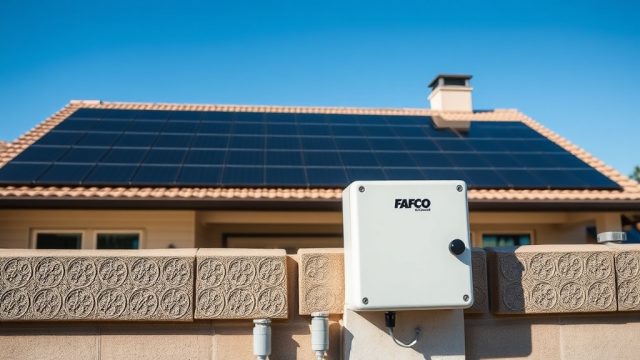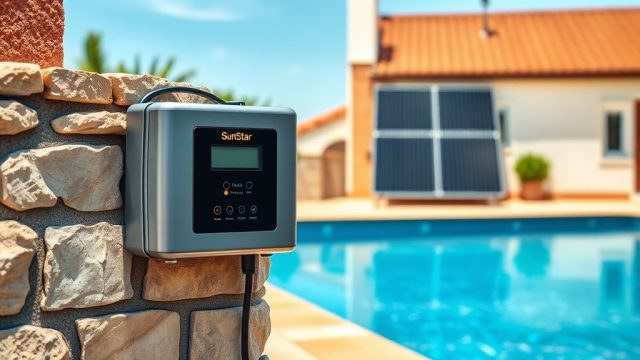
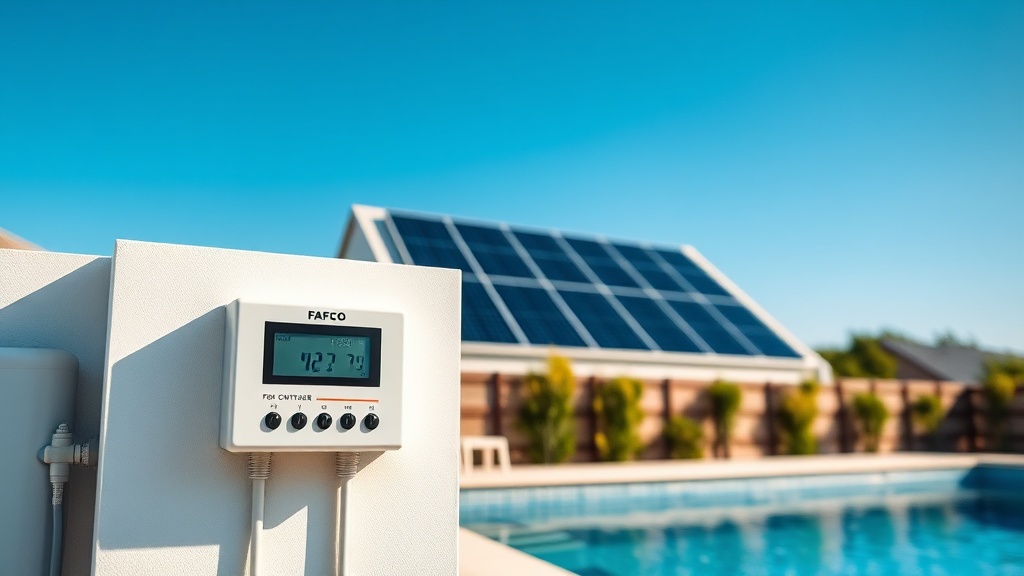
For pool owners investing in solar heating, the Fafco Solar Bear system offers an array of automation options that transform a basic solar loop into a set-and-forget energy saver. Integrating the right controller and timer is the difference between a system that runs efficiently with minimal user input and one that wastes energy or fails to maintain comfortable water temperatures. This article explores the controllers, timers, and automation strategies that make the Fafco Solar Bear a truly intelligent addition to any pool.
What Makes the Fafco Solar Bear Controller Different from Standard Pool Timers?
Standard pool timers primarily control pump run times based on clock settings, but a dedicated solar controller like the Fafco Solar Bear operates on temperature differential logic. The controller constantly compares the temperature of your pool water (via a sensor in the skimmer or return line) with the temperature of the solar collector panels. When the collector becomes 5-10°F warmer than the pool water, the controller activates a motorized valve to divert water through the panels. When the collector drops below the pool temperature (typically by 2-3°F), the valve returns water to the standard filter loop. This prevents the pool from being cooled on cloudy days or at night, a task no simple timer can replicate.
Which Controllers Are Available for the Fafco Solar Bear System?
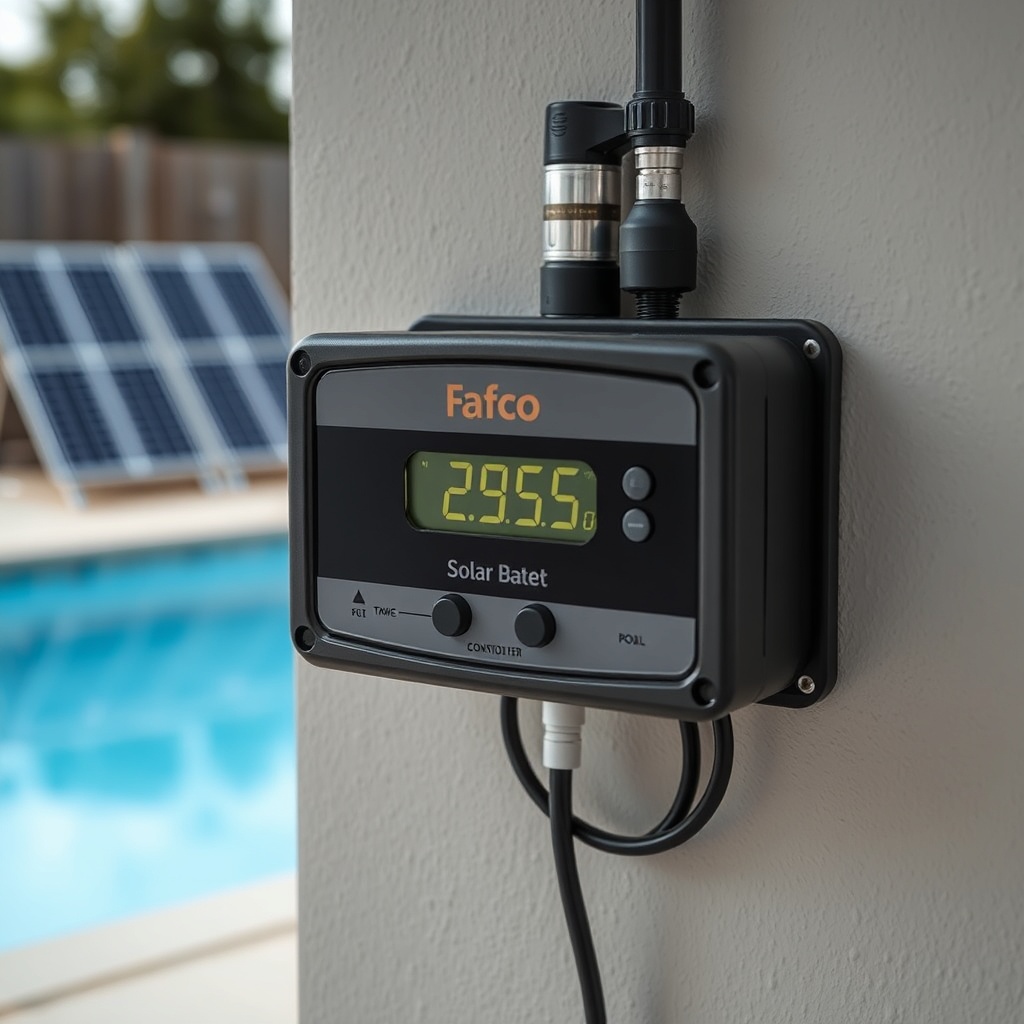
Fafco, now part of the larger solar heating industry, has historically offered multiple controller models. The most common are the Fafco Solar Bear DSC (Digital Solar Control) and the more advanced Fafco DSC-2. The DSC is a basic differential temperature controller with a single output for a motorized valve. The DSC-2 adds dual outputs, allowing it to manage both a diverter valve and a circulation pump or a backup heater interlock. Both units feature large LED displays showing current pool and panel temperatures, and both are programmable in degrees Fahrenheit or Celsius.
Third-party controllers like the Pentair IntelliFlo and Hayward OmniLogic can also integrate with Fafco Solar Bear panels, but they require a sensor kit and a relay to communicate with the solar diverter valve. For most standard installations, the dedicated Fafco DSC-2 is the recommended choice due to its straightforward setup and reliable performance.
| Feature | Fafco DSC (Basic) | Fafco DSC-2 (Advanced) | Pentair IntelliFlo (via integration) |
|---|---|---|---|
| Temperature Differential Control | Yes | Yes | Yes (with sensor kit) |
| Outputs | 1 (diverter valve) | 2 (valve + pump/heater interlock) | Varies (relay required) |
| LED Display | Pool & panel temp | Pool, panel, & status | Pool temp only (via main panel) |
| Freeze Protection | Auto (fixed ~40°F) | Adjustable (35-50°F) | Programmable |
| Backup Heater Interlock | No | Yes | Yes (with proper wiring) |
| Maximum Load (valve) | 1.5 FLA / 6 A lock rotor | 1.5 FLA / 6 A lock rotor | Depends on relay |
| Typical Price (AUD) | $220–$280 | $320–$400 | $550+ (incl. sensor kit) |
How Do Timers Work with Fafco Solar Bear Automation?
While the controller handles the solar logic, a timer is still essential for managing the pool pump schedule. The Fafco Solar Bear controller does not control your pump; it only controls the diverter valve. Therefore, you need a separate or integrated timer to decide when the pump runs. Many pool owners use a simple 24-hour mechanical timer that turns the pump on at 9:00 AM and off at 5:00 PM during the heating season. The solar controller then automatically diverts water to the panels when it’s beneficial within those pump running hours. This setup is efficient because it prevents the pump from running when the controller could not heat the pool (e.g., after sunset). For maximum automation, a smart timer like the Intermatic EI400C can be programmed with multiple schedules for weekdays and weekends, and some can even adjust runtime based on outdoor temperature.
For a comprehensive guide on fine-tuning your controller settings, visit our Fafco Solar Bear Solar Controller Settings Guide.
Which Wiring and Actuator Setup is Required for Automation Integration?
Automation integration requires three main components: the controller box, a temperature sensor for the pool (typically a 10K NTC thermistor), a temperature sensor for the solar collector (often mounted in the panel header), and a 3-way motorized diverter valve. The Jandy JV3A or similar stainless-steel spring-return valve is commonly used with Fafco Solar Bear panels. The wiring diagram for the DSC-2 shows a 4-wire connection: two wires for the 24VAC transformer power and two wires for the valve actuator. The actuator must be installed in the correct orientation; the controller’s display will indicate “SOLAR ON” or “POOL RETURN” based on the valve position. For installations with a backup gas or heat pump heater, the DSC-2 provides a relay output that shuts off the heater whenever the solar system is diverting water to the panels, preventing unnecessary energy use.
Can the Fafco Solar Bear System Integrate with Smart Home Platforms?
Native integration with platforms like Google Home or Amazon Alexa is not a standard feature of the Fafco Solar Bear controllers. However, third-party automation gateways such as the NodeMCU (ESP8266) or a Shelly 4PM Pro can be used to monitor and control the solar system. Enthusiasts often wire a wireless relay in parallel with the timer or install a smart outlet for the pump, then use IFTTT applets to send notifications based on temperature readings. For example, a DIY integration might send an SMS alert if the solar freeze protection activates during unexpectedly cold weather. While not plug-and-play, this level of automation is achievable for technically-inclined pool owners. For those who prefer reliable, certified solutions, the Fafco DSC-2 with its dedicated timer remains the hands-down winner.
To visually plan where your controller and sensors will go, read our Fafco Solar Bear Roof Mounting Kit: Step-by-Step Installation.
What Owners Say About Fafco Solar Bear Automation
Long-time pool owners in the AU market consistently praise the Fafco Solar Bear automation for its reliability and energy savings. “I installed the DSC-2 and a local brand of timer about three years ago,” says Mark from Perth. “Once it was calibrated, I haven’t touched it since. My pool temperature sits at 29°C even in early spring, and my gas bill dropped by 80%.” Others appreciate the freeze protection feature. “I had a scare the first winter, but the controller kicked the valve open just above freezing, saving my panels,” reports Sarah from Melbourne. A common criticism is the lack of Wi-Fi connectivity in older models, but most owners agree that the straightforward, daily automation—where the system only runs when it’s sunny—more than compensates. “I don’t need an app for this,” adds John from Brisbane. “I look out the window. If it’s sunny, the panels are doing their job. The timer takes care of the rest.” For troubleshooting common issues, see our guide on Fix a Leaking Fafco Solar Bear Collector Panel.