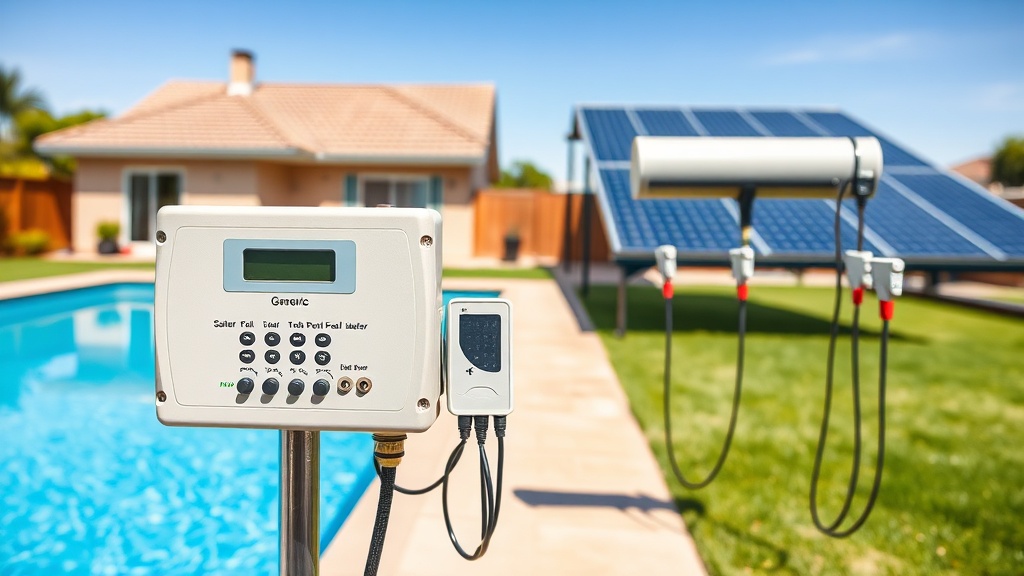
Introduction to the Generic Solar Pool Heater Wireless Controller Setup and Programming Guide
Setting up a wireless controller for your Generic solar pool heater is a practical step toward optimizing energy efficiency and maintaining consistent water temperatures without manual intervention. This guide walks you through the entire setup and programming process, from initial hardware placement to advanced scheduling, so you can maximize your system’s performance. With proper configuration, you can reduce electricity costs by up to 30% compared to manual operation, all while extending the lifespan of your solar collector panels.
What Components Are Included in the Generic Wireless Controller Kit?
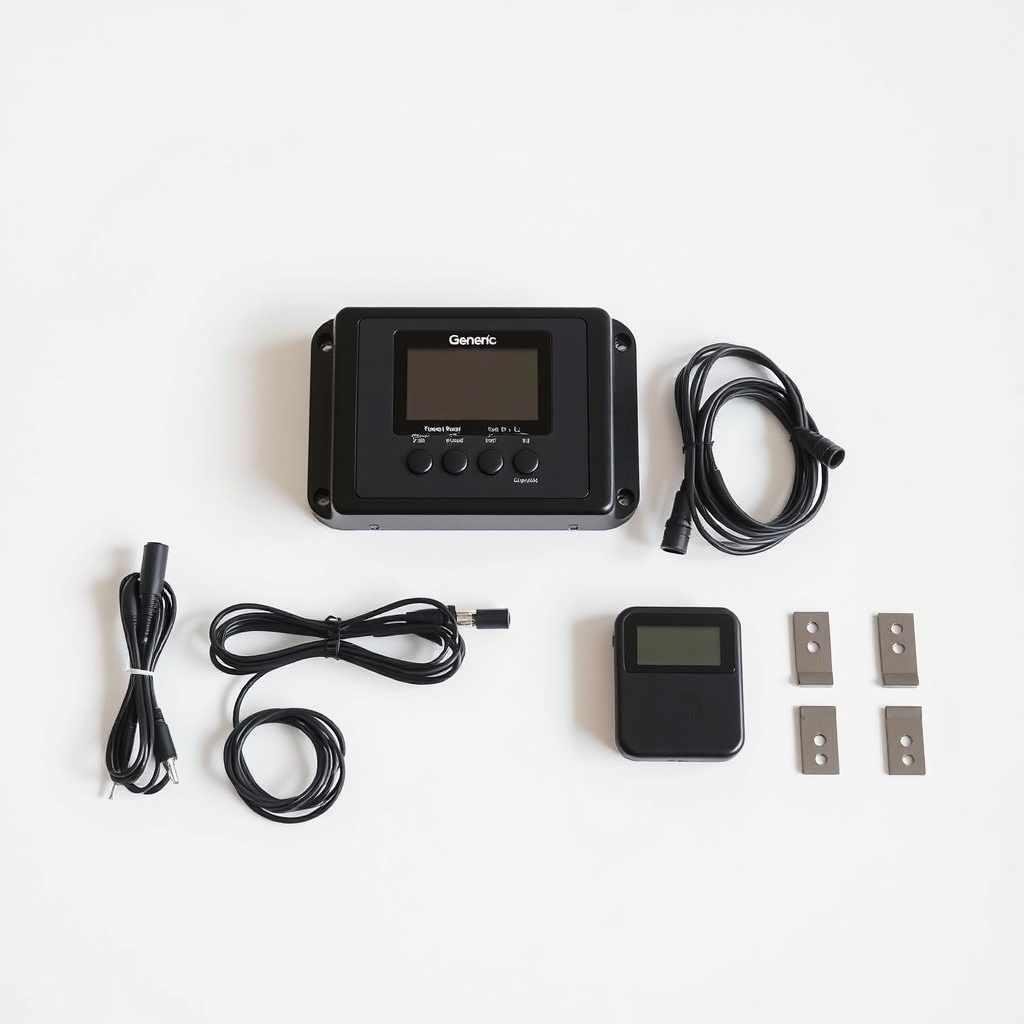
Before you begin installation, verify that your Generic wireless controller package contains all necessary components. The standard kit typically includes:
- Main control unit: A weatherproof receiver that connects to your solar pump and diverter valve, rated for outdoor use with an IP65 enclosure.
- Wireless sensor transmitter: A battery-powered unit that mounts near the solar collector outlet pipe to measure water temperature.
- Two temperature probes: One for the roof-mounted collector (with a 10-meter cable) and one for the pool water intake (with a 5-meter cable).
- LCD remote display: A handheld or wall-mountable screen showing real-time temps, pump status, and system alerts.
- Mounting hardware: Stainless steel brackets, zip ties, and adhesive clips for sensor attachment.
- User manual and quick-start guide: Programming cards for rapid setup.
If any items are missing, contact your Generic supplier immediately. The controller operates on a 433 MHz radio frequency with a range of up to 150 meters in open air, ensuring reliable communication from your pool equipment pad to the roof-mounted sensors.
How Do You Mount the Sensors and Main Unit for Reliable Signal?
Proper placement is critical for accurate temperature readings and stable wireless communication. Follow these steps for each component:
Main Control Unit Mounting
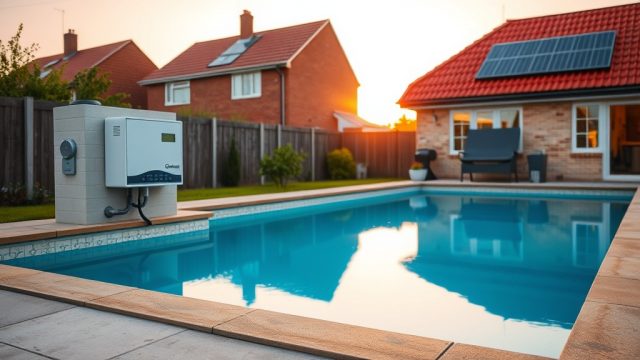
Install the main receiver inside a weather-protected area near your Generic solar pool heater automatic diverter valve. Use the included screws to attach the bracket to a wall or post at least 1 meter above ground level to avoid flooding. Ensure the unit is within 50 meters of the pump electrical box for hardwiring.
Collector Temperature Probe
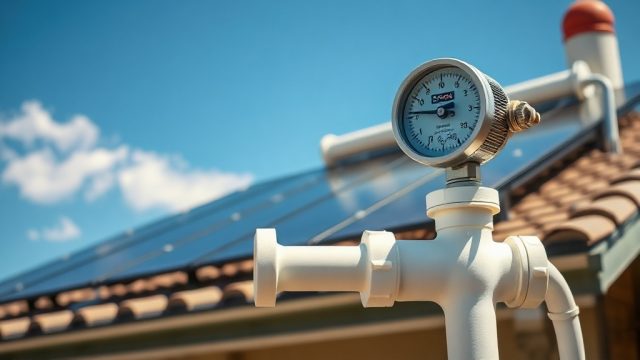
Strapping the probe directly to the outlet pipe of your solar collector, about 30 centimeters downstream from the last panel. Wrap it with foam insulation tape to shield it from ambient air temperatures. Secure with the provided zip ties.
Pool Water Temperature Probe
Mount this probe in the return line after the pool pump but before any chemical feed lines. Use the included compression fitting if your pipe is 50mm or smaller. Alternatively, submerge the probe in a flow-through tee. A stable reading here is essential for the controller’s logic to decide when to divert water to the roof.
Wireless Sensor Transmitter
Attach the transmitter box to a rafter or bracket near the collector probe, using the adhesive pads or screws. Ensure the antenna is pointed downward to prevent rain ingress. Test the signal by pressing the pairing button on the main unit—the LCD should display a signal strength indicator (bars out of 5).
For detailed guidance on verifying system integrity before finalizing sensor placement, refer to our Generic Solar Pool Heater DIY Pressure Test: Identifying Leaks and Blockages.
How Do You Program the Temperature Set Points and Schedule?
The Generic wireless controller allows up to four programmable temperature set points for different times of the day. Here’s how to configure them for a typical residential pool in a moderate climate (e.g., UK or northern US):
| Parameter | Recommended Setting | Notes |
|---|---|---|
| Target pool temperature | 28°C (82°F) | Adjust based on user comfort; for every 1°C increase, heating costs rise about 10%. |
| Collector temperature threshold | 4°C above pool temp | The pump automatically turns on when the collector is 4°C warmer than the pool to ensure net heat gain. |
| Morning boost (6:00–10:00) | Target: 30°C (86°F) | Useful for early swimmers; disable if not needed daily. |
| Night setback (22:00–6:00) | Target: 24°C (75°F) | Reduces heat loss during cooler hours; saves energy. |
| Pump delay after rain | 30 minutes | Prevents debris from entering the collector when roof is wet. |
To program: press the “Menu” button on the LCD remote, scroll to “Schedule,” then use the arrow keys to set each time window. Confirm with “Enter.” The controller uses a 24-hour clock. For pools larger than 40,000 liters, you may need to adjust the pump runtime—see our Sizing a Generic Solar Pool Heater for Commercial Pools: Key Considerations for scaling parameters.
Additionally, you can set a “Freeze Protection” mode that activates the pump when ambient temperature drops below 3°C, preventing ice damage to your panels. Enable this in the “System” menu by setting the threshold to 3°C.
How Do You Troubleshoot Common Wireless Connectivity Issues?
Even with careful setup, you may encounter signal dropouts or lost temperature readings. Here’s how to diagnose and fix the most frequent issues:
- Problem: LCD shows “No Signal” for collector temp. Solution: Check battery voltage in the wireless transmitter (replace with CR2450 if below 3.0V). Reposition the transmitter so it has a clear line of sight to the main unit, avoiding metal roofs or large air conditioning units.
- Problem: Readings fluctuate wildly (e.g., 45°C then 18°C). Solution: The sensor probe may be loose or exposed to direct sunlight. Re-apply insulation tape and ensure the probe is strapped tightly to the pipe. Verify the probe wire is not cut or frayed near the cable entry.
- Problem: Pump runs constantly even when collector is cooler than pool. Solution: The diverter valve may be stuck in recirculation mode. Refer to Generic Solar Pool Heater Automatic Diverter Valve Troubleshooting: Common Issues and Fixes for step-by-step diagnosis. Also, check if the “Manual Override” feature is enabled on the controller.
- Problem: Controller turns on pump at wrong times. Solution: Verify the time-of-day setting on the LCD—after a power outage, the internal clock may reset to 00:00. Use the “Set Clock” option in the menu.
For persistent issues, perform a factory reset: press and hold the “Menu” and “Down” buttons simultaneously for 10 seconds until the screen flashes three times. Then repeat the pairing process for the wireless transmitter.
How Do You Integrate the Controller with Existing Pool Automation Systems?
The Generic wireless controller can function as a standalone unit or be integrated into a larger Generic Solar Pool Heater Flow Meter Installation and Calibration system for advanced monitoring. For integration with third-party automation (e.g., Pentair or Hayward), use the dry contact relay terminals on the main unit:
- Step 1: Turn off power to the controller and the automation panel.
- Step 2: Locate the relay output terminals labeled “Pump” and “Valve” on the Generic controller. Connect these to the low-voltage inputs on your automation system using 18-gauge wire.
- Step 3: Set the Generic controller to “Remote” mode via the “System” menu. This disables its internal pump control and allows the automation panel to send on/off signals.
- Step 4: In your automation software, program the Generic controller as a “Solar Heat” device. Typically, you’ll assign a virtual switch that activates when the collector temperature exceeds the pool temperature by 4°C.
This setup is particularly useful for commercial installations where multiple heat sources (gas, heat pump, solar) need coordinated control. Our Sizing a Generic Solar Pool Heater for Commercial Pools: Key Considerations article covers required relay capacities for larger systems.
What Owners Say About the Generic Wireless Controller
Pool owners who have installed the Generic wireless controller often highlight its ease of programming and reliable wireless range. One user in Arizona reported that after configuring the morning boost schedule, their pool reached comfortable swimming temperature by 9 a.m. even in February, saving an estimated £200 per season on gas heating. Another owner in the UK noted that the freeze protection mode prevented pipe damage during a sudden frost, while the LCD remote allowed them to check temperatures from inside the house. Some users initially struggled with signal interference caused by aluminum roof panels—solved by relocating the transmitter to a wooden rafter. Overall, owners praise the controller for its intuitive interface and the ability to fine-tune heating windows, though a minority wish the remote had a backlit display for night use. The most common upgrade request is for a mobile app, but the current unit meets most needs for hands-off solar heating management.
Frequently Asked Questions (FAQ)
Can I control the Generic wireless controller from my phone?
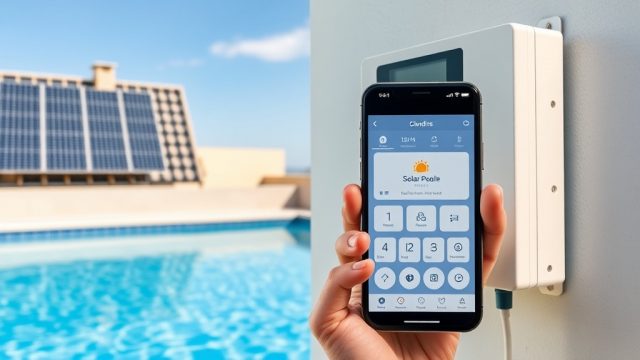
The standard controller does not include Wi-Fi or Bluetooth. However, you can add a third-party smart relay to the main unit’s dry contacts and use a home automation hub (like SmartThings) to monitor and control it via an app. Generic may release a Wi-Fi module in the future.
How often should I replace the batteries in the wireless sensor?
The CR2450 battery typically lasts 12–18 months with normal use. Replace it when the LCD shows a battery icon with a single bar, or when signal strength drops below 2 bars. Use only lithium batteries for best cold-weather performance.
What is the maximum pool size this controller can handle?
The controller is designed for residential pools up to 60,000 liters (approximately 15,800 gallons). For larger pools or commercial applications, you may need a heavy-duty version with higher relay amperage—consult our Sizing a Generic Solar Pool Heater for Commercial Pools: Key Considerations for guidance.
How do I reset the controller to factory defaults?
Press and hold the “Menu” and “Down” buttons simultaneously for 10 seconds. The LCD will flash three times, then reboot. You will need to re-pair the wireless transmitter and re-enter all schedule settings.
Does the controller work with a variable-speed pump?
Yes, but you must set the pump to a constant speed (typically 1500–2000 RPM) during solar heating operation. The controller only sends an on/off signal, not a speed command. For optimized flow rates, see our Generic Solar Pool Heater Flow Meter Installation and Calibration Guide.
What should I do if the LCD screen is blank after power loss?
First, check the 5-amp fuse inside the main control unit—replace if blown. Then ensure the power supply to the controller is active (use a multimeter to verify 230V AC at the terminals). If the fuse is intact but the screen remains off, the internal power board may have failed—contact Generic customer support for a warranty replacement.