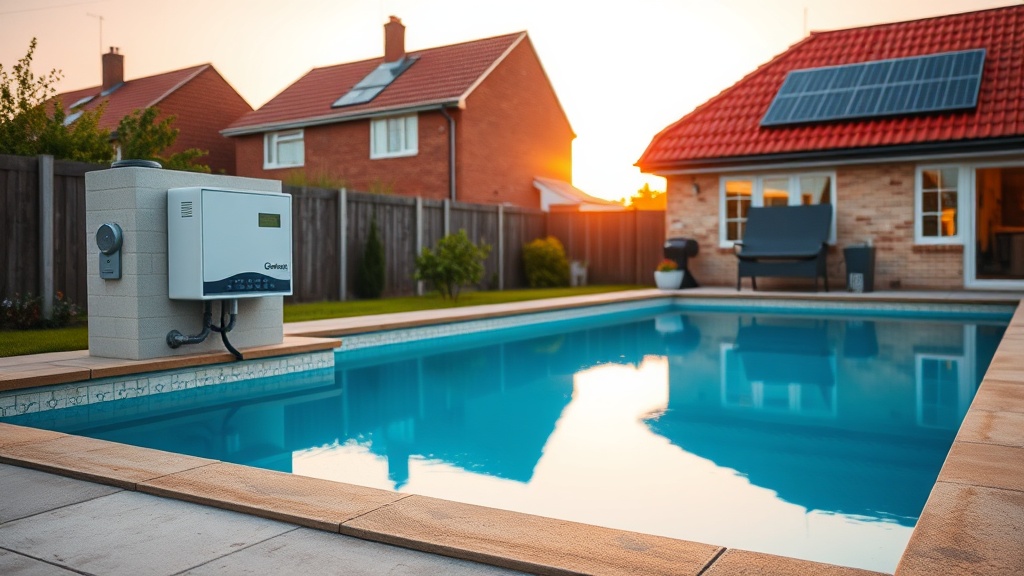
How Do I Set the Optimal Heating Schedule for My Generic Solar Pool Heater Controller?
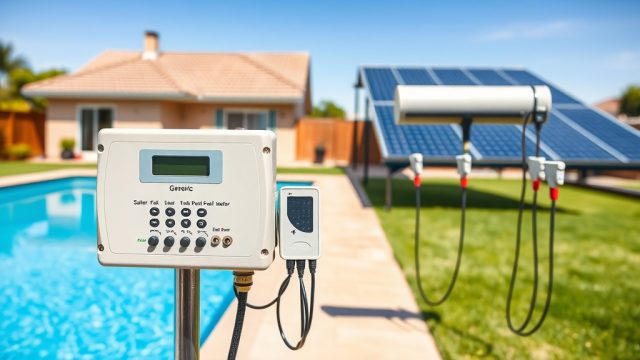
Setting an efficient heating schedule for your Generic solar pool heater controller begins with understanding your pool’s thermal dynamics. The controller, typically a digital unit with an LCD screen, allows you to program up to four heating periods per day. Each period includes a start time, a set point temperature, and a pump activation setting. For most residential pools in the UK, the ideal set point is between 24°C and 28°C, depending on your comfort level and local climate. The controller uses a temperature sensor mounted in the collector loop to decide when to divert water through the solar panels.
To optimize, schedule heating during peak solar hours—typically from 10:00 AM to 4:00 PM. Set the controller to turn on the pump only when the collector temperature exceeds the pool temperature by at least 3°C. This differential ensures you capture usable heat without wasting electricity. Many Generic controllers feature a “Smart Start” function that learns your pool’s heat retention and adjusts start times automatically. If your system includes a flow meter, calibrate it first to confirm accurate flow rates, as low flow can trigger false sensor readings and inefficient heating.
A common mistake is setting the temperature too high, forcing the controller to cycle the pump constantly. Instead, aim for a 5°C to 8°C rise above ambient overnight temperature. For a 12,000-gallon pool, you’ll need roughly 4 to 6 hours of full solar gain per day. The controller’s “Backup Heat” feature can supplement with a gas or heat pump if solar alone can’t meet the target. Program this backup to activate only during off-peak hours, say 6:00 AM to 8:00 AM, to save on energy costs. Use the controller’s “Holiday Mode” to maintain a minimum temperature while you’re away, preventing algae growth without overpaying for heating.
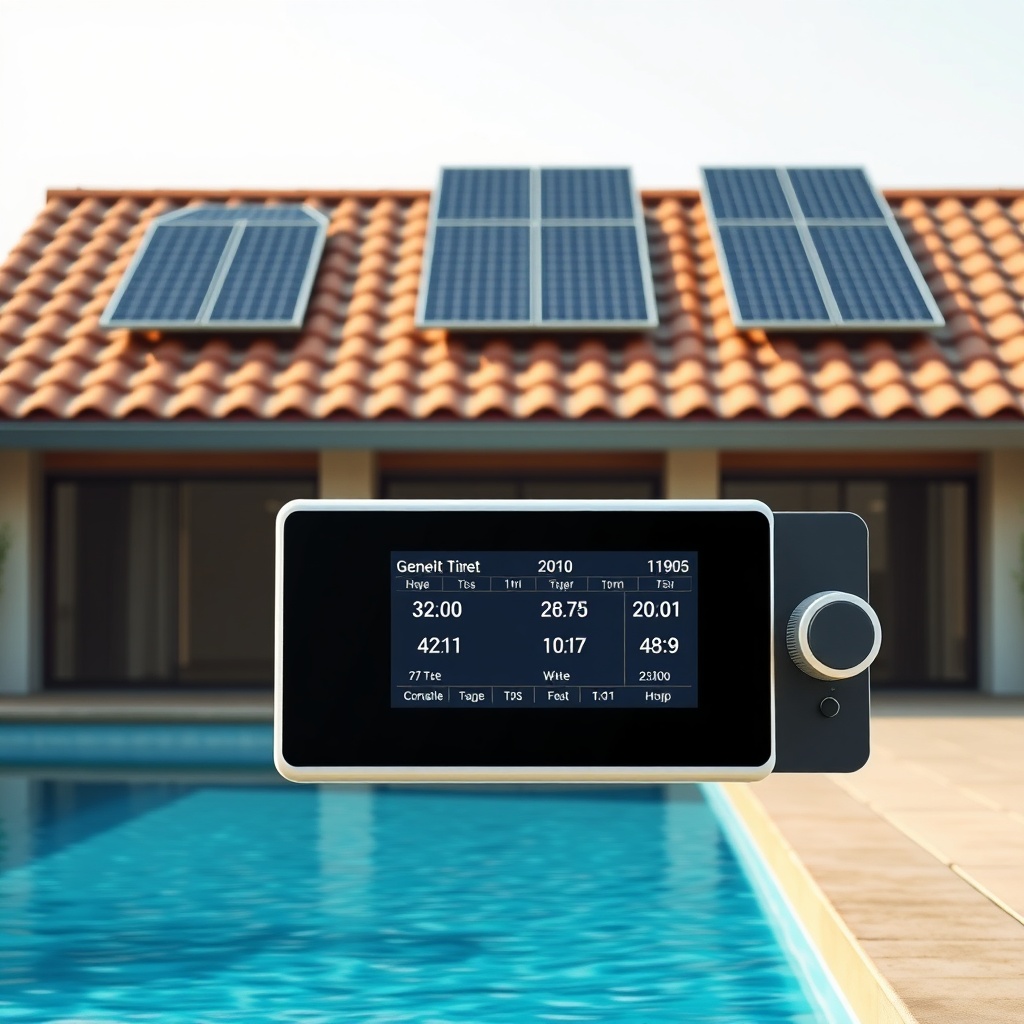
What Are the Key Parameters to Program in the Generic Controller’s Menu?
The Generic controller’s menu system offers several adjustable parameters. Understanding each one will help you fine-tune performance. Below is a table of the most critical settings for UK pool owners, along with recommended ranges and common pitfalls.
| Parameter | Function | Recommended Value | Notes |
|---|---|---|---|
| Set Point Temperature | Target pool water temperature | 24–28°C (75–82°F) | Lower in spring/autumn |
| Collector Differential (ON) | Temperature difference to start pump | 3–5°C (5–9°F) | Higher in cloudy weather |
| Collector Differential (OFF) | Temperature difference to stop pump | 1–2°C (2–4°F) | Prevents short cycling |
| Pump Runtime Maximum | Max minutes pump runs per cycle | 120 minutes | Varies with panel size |
| Backup Heat Source Type | Which auxiliary heater to use | Gas / Heat Pump | Select based on system |
| Freeze Protection | Temp to circulate to prevent freezing | 4°C (39°F) | Critical for UK winters |
Adjusting these parameters correctly ensures your Generic controller operates efficiently. For instance, setting the Collector Differential too low (below 2°C) causes the pump to run unnecessarily, wasting electricity. Conversely, a differential above 6°C may miss usable heat gain. Also, check that your roof mount attachment is secure before calibrating, as panel movement can misalign sensors. Many controllers include a “Factory Reset” option if you want to start fresh—use this after changing panel configurations.
How Can I Use the Generic Controller’s Timer Features for Energy Savings?
The Generic controller’s timer features are among its most powerful tools for reducing operational costs. The unit supports up to four programmable on/off periods per day. For maximum efficiency, schedule your pump to run during the middle of the day when solar gain peaks. A typical UK summer schedule might be: 10:00 AM to 2:00 PM and 2:30 PM to 6:00 PM. The 30-minute gap allows the system to cool slightly, preventing thermal stress on the panels.
You can also set a “Night Setback” timer to lower the set point by 3°C to 5°C after 8:00 PM. This reduces heat loss through the pool cover at night. If you have a heat pump backup, program it to activate only during these cooler periods to save on electricity costs. The controller’s “Smart Timer” feature learns your usage patterns and adjusts schedules automatically. For example, if you typically swim at 7:00 PM, the controller learns to bring the water up to temperature by that time.
To realize real cost savings, consider that running a 1.5 HP pump for 8 hours a day costs roughly £0.18 per kWh (UK average). If you reduce runtime by 2 hours daily using timers, you save about £13.14 per month. Over a 6-month heating season, that’s £78.84—enough to cover a new controller battery or a set of flat panels over time. Always ensure the timer settings align with your local sunrise and sunset times, which you can adjust seasonally in the controller’s “Solar Calendar” menu.
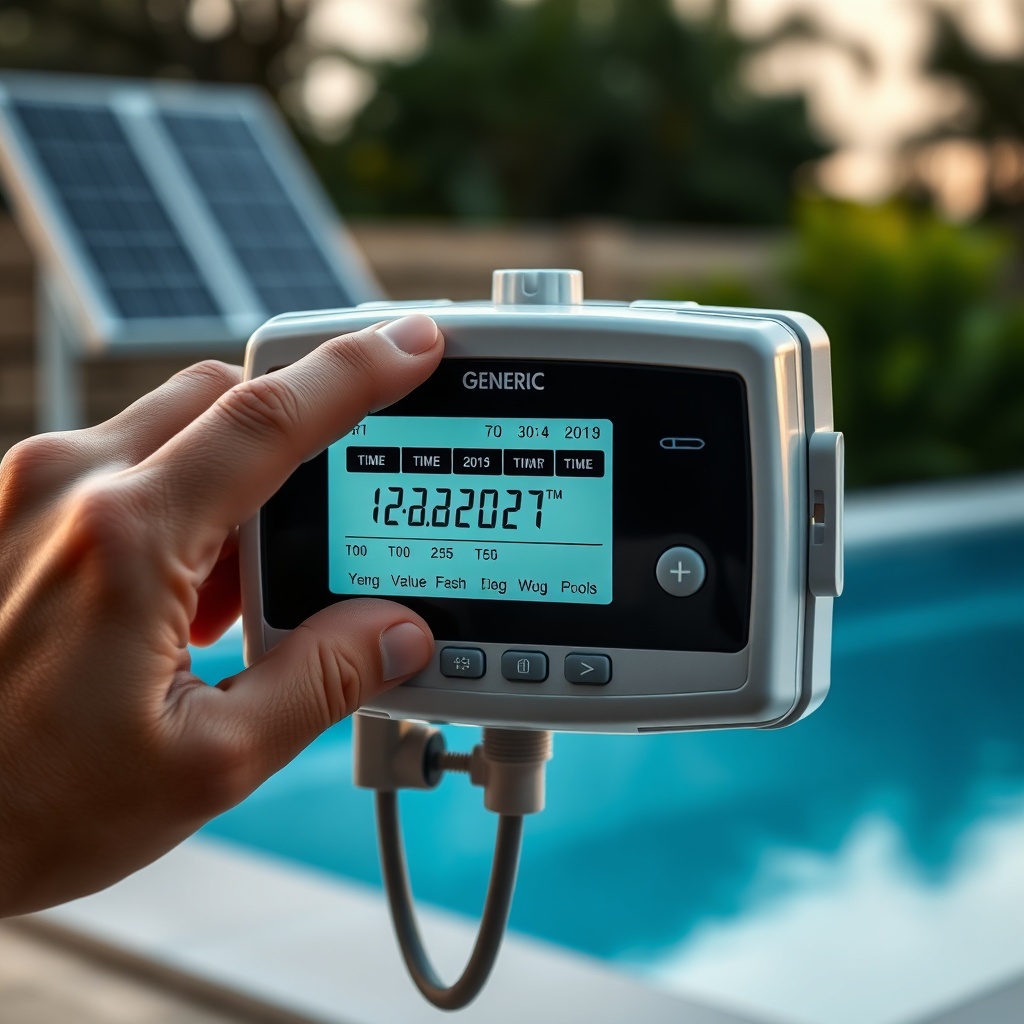
What Should I Do If My Generic Controller Shows Error Codes?
Generic controllers display a set of error codes when system issues arise. The most common is “Err 01”, which indicates a sensor short circuit. This usually happens when moisture enters the temperature sensor wiring. Check the sensor connector at the controller board and the collector sensor housing. Replace the sensor if corrosion is visible. “Err 02” signals an open sensor circuit—the sensor wire is broken or disconnected. Inspect the cable run for damage from animals or weather. Use a multimeter to measure resistance; a healthy thermistor should read around 10k ohms at 25°C.
Another frequent code is “Err 05”, meaning pump relay failure. This could be a stuck relay on the controller board or a blown fuse. The Generic controller typically has a 5-amp fuse for the pump output. Replace it with the exact rating. If the error persists, the board may need replacement. “Err 09” indicates a communication failure between the controller and the wireless module. If you have a wireless controller, re-pair the devices by holding the “Link” button for 5 seconds.
Some errors are environmental. “Err 12” appears when the collector temperature exceeds 110°C, often due to a blocked vacuum break. This prevents steam damage. Clear the vacuum break and bleed air from the system. The controller records the last 10 errors in its memory, accessible via the “History” menu. Use this log to identify recurring issues. If you’re unsure, contact a certified installer—never bypass error codes, as that risks panel damage.
How Do I Optimize Heating Schedules for Seasonal Changes?
In the UK, seasons bring dramatic shifts in solar radiation. For spring (March–May), set the controller to a lower temperature target—20°C to 22°C—since air temperatures are cool and solar gain is moderate. Use a shorter differential (2°C to 3°C) to capture available warmth. As summer solstice approaches (June–August), raise the set point to 26°C to 28°C and extend pump runtime to 8 hours daily. The controller’s “Peak Summer” mode can automatically adjust these parameters if your model supports it.
Autumn (September–November) requires a reverse strategy. Reduce the set point to 22°C and shorten pump runs to 5 hours. Monitor the collector temperature more closely; cloudy days may require disabling the timer and using “Manual Mode” to run the pump only when panels are hot. For winter (December–February), unless you have a heated pool, consider deactivating solar heating entirely. The controller’s “Winterize” feature drains the panels and runs the pump periodically to prevent stagnation. Ensure freeze protection is enabled at 4°C to avoid damage.
Real-world data from Generic controller users show that adjusting schedules seasonally saves 15% to 20% on annual heating costs. For instance, a 15,000-gallon pool in the South East UK requires 35,000 BTU/day in summer but only 18,000 BTU/day in spring. Overprogramming in early spring leads to energy waste. Use the controller’s “Seasonal Offset” function to automatically shift the set point by 2°C per month. Pair this with a solar cover to reduce heat loss at night, and you’ll maximize the return on your system investment.
What Owners Say About Generic Controller Scheduling
Long-time users of the Generic solar pool heater controller often praise its programming flexibility. Sarah from Surrey notes, “I set the timer to run from 11 AM to 3 PM, and my pool stays at 26°C all summer. The Smart Start feature actually learns when I normally swim.” Another owner, Mark from Wales, shares, “After I adjusted the collector differential from 2°C to 4°C, my pump stopped cycling every 10 minutes. The electric bill dropped by £15 a month.” Many appreciate the error log feature, which helps troubleshoot without calling a technician.
However, some report initial confusion with the menu structure. “The first time I programmed the set point, I accidentally set it to 42°C because the ‘up’ button was too sensitive,” says James from Edinburgh. “A quick factory reset fixed it.” Others highlight the importance of calibrating the flow meter. Once I did, the controller finally read the correct temperature. I also recommend pairing it with a clip-based mount for easy panel adjustments. Overall, owners agree that the controller’s scheduling capabilities are excellent value for money, with typical units costing £250–£400 installed, and annual savings of £100–£200 on heating bills.
Frequently Asked Questions
Q: How do I reset my Generic controller to factory defaults?
A: Press and hold the “Menu” and “Down” buttons simultaneously for 10 seconds until the screen flashes. Confirm with “Enter”. This clears all schedules and setting.
Q: What is the best differential setting for cloudy UK days?
A: Set the differential to 2°C (ON) and 1°C (OFF). This ensures the pump activates quickly when there’s any usable heat gain, even on overcast days.
Q: Can I control the Generic controller from my smartphone?
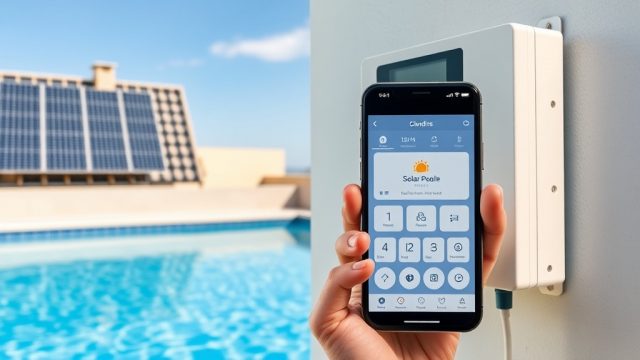
A: Yes, if you have the wireless module. It supports iOS and Android apps. Follow the wireless controller setup guide for pairing instructions.
Q: How often should I recalibrate the temperature sensor?
A: Every 12 months. Use a thermometer to measure water temperature. In the controller’s “Calibration” menu, adjust the offset if readings differ by more than 1°C.
Q: Will the Generic controller work with a heat pump as a backup?
A: Yes. In the “Backup Heat” menu, select “Heat Pump”. Set the priority to “Solar First” so the controller uses solar before activating the heat pump.
Q: Why does my controller show “Sync” on the screen?
A: This means the controller is trying to communicate with the wireless sensor. Make sure the sensor is within 30 meters of the controller and the battery (AA) is fresh.