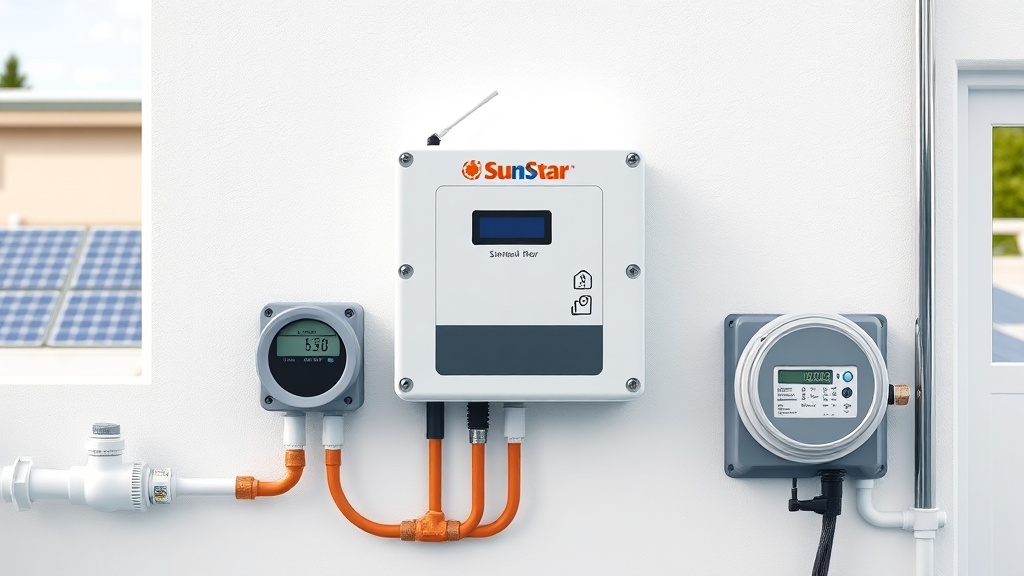
For pool owners who demand precision and energy savings, the SunStar Solar Pool Heater Controller brings smart grid integration to residential and commercial solar heating systems. This guide walks through the connection process, programming steps, and real-world performance tips. Whether upgrading an existing setup or installing from scratch, understanding how to link the controller to your home’s smart grid is key to optimizing heating schedules and reducing electricity costs.
What is Smart Grid Integration on a SunStar Solar Pool Heater Controller?
Smart grid integration allows the SunStar controller to communicate with your utility provider’s demand-response signals or home energy management system. When grid load peaks, the controller can automatically pause the pool pump or solar heater operation to avoid high electricity rates. This feature is especially useful for owners in regions with time-of-use pricing or net metering policies. The controller uses a dedicated communication module (sold separately) that connects via Wi-Fi or Zigbee to a smart meter or internet gateway. Once paired, the controller receives real-time tariff data and adjusts settings without manual input.
How Do You Physically Connect the SunStar Controller to a Smart Grid System?
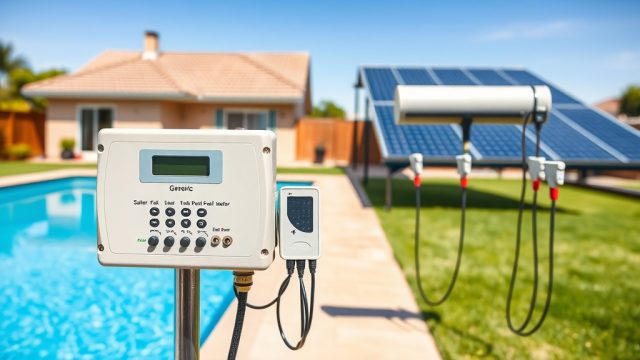
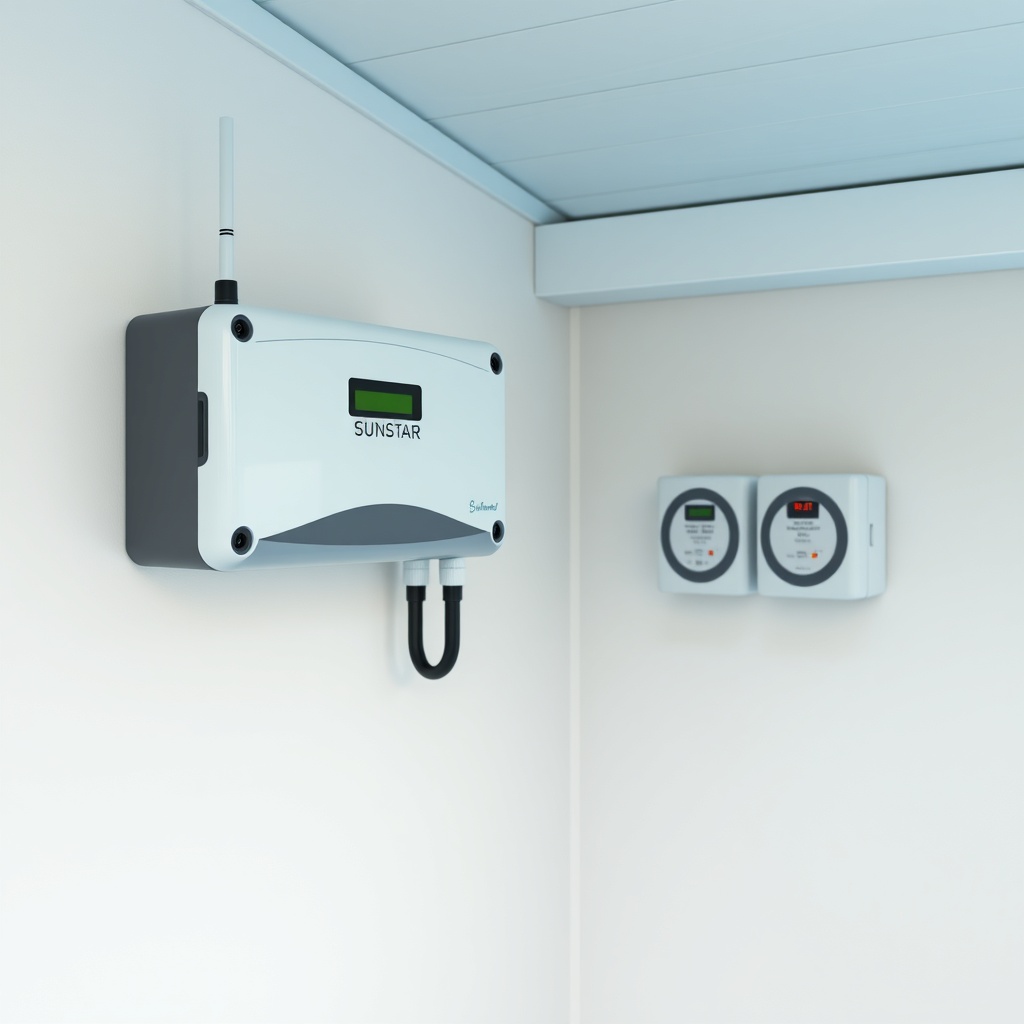
Connecting the SunStar Solar Pool Heater Controller to a smart grid involves three main steps: installing the communication module, pairing with the smart meter or gateway, and configuring the controller’s network settings. First, ensure the controller is powered down. Insert the communication module into the dedicated slot on the controller’s circuit board—typically a mini-PCIe slot. Secure it with the retention clips. Next, use an Ethernet or USB cable (depending on module type) to link the controller to your home router or directly to a compatible smart meter. For wireless modules, follow the manufacturer’s pairing procedure: press the pairing button on the module for 5 seconds until the LED blinks, then activate pairing mode on your smart meter or gateway. After connection, power on the controller and navigate to the “Network Settings” submenu. Choose “Smart Grid” and enter your utility provider’s server address or select from a pre-populated list (e.g., for California PG&E or Texas ERCOT). Finally, run a connection test. The controller’s display should show “Grid Connected” within 2 minutes.
What Programming Options Does the SunStar Controller Offer for Grid-Aware Heating?
The SunStar controller provides three grid-aware programming modes: automatic demand response, scheduled time-of-use, and rate-based priority. In automatic mode, the controller listens for utility signals and pauses solar heating during grid peak events (e.g., 4–9 PM in summer). You can set a maximum pause duration—say, 2 hours—to maintain water quality. Schedule mode lets you input your local time-of-use blocks. For example, during off-peak hours (10 PM–6 AM), the heater runs at full power; during mid-peak (6 AM–4 PM), it operates at 75% capacity; and during peak (4–9 PM), it shuts off entirely. Rate-based priority uses live pricing data: if the per-kWh cost exceeds a user-set threshold (e.g., $0.30 USD for a typical California household), the controller defers heating until the rate drops. All programming is done via the controller’s touchscreen interface or optional mobile app. Settings are saved to non-volatile memory, so no data is lost during power outages.
| Mode | Trigger | Heating Action | User Input Required |
|---|---|---|---|
| Automatic Demand Response | Utility signal (e.g., OpenADR 2.0b) | Pause heating until end of event, then resume | Max pause duration (0–4 hours) |
| Scheduled Time-of-Use | Local clock + user time schedule | Custom heating power levels per block | Start/end times for peak/mid/off-peak |
| Rate-Based Priority | Live price data from smart meter | Heating only when price ≤ user threshold | Max acceptable price per kWh ($0.15–$0.50 USD) |
How Does Smart Grid Integration Affect the SunStar Controller’s Sensor and Valve Operation?
When smart grid signals override normal operation, the SunStar controller continues to monitor all sensors—roof temperature, pool water temperature, and freeze protection. During a grid-triggered pause, the controller keeps the solar panels in a safe state: if roof temperature exceeds 180°F (sensor reading), it will open the bypass valve to dump heat and protect the panels. Similarly, freeze protection logic remains active even during a grid event. For example, if outdoor temperature drops to 36°F, the controller will temporarily override the smart grid pause and run the pump to circulate warm water through the panels. Valves (motorized 3-way or diverting) are cycled according to the original schedule unless a grid event forces closure. The controller logs all overrides in the event history, which can be viewed through its menu or downloaded via USB.
Can the SunStar Controller Be Integrated with Third-Party Smart Home Systems?
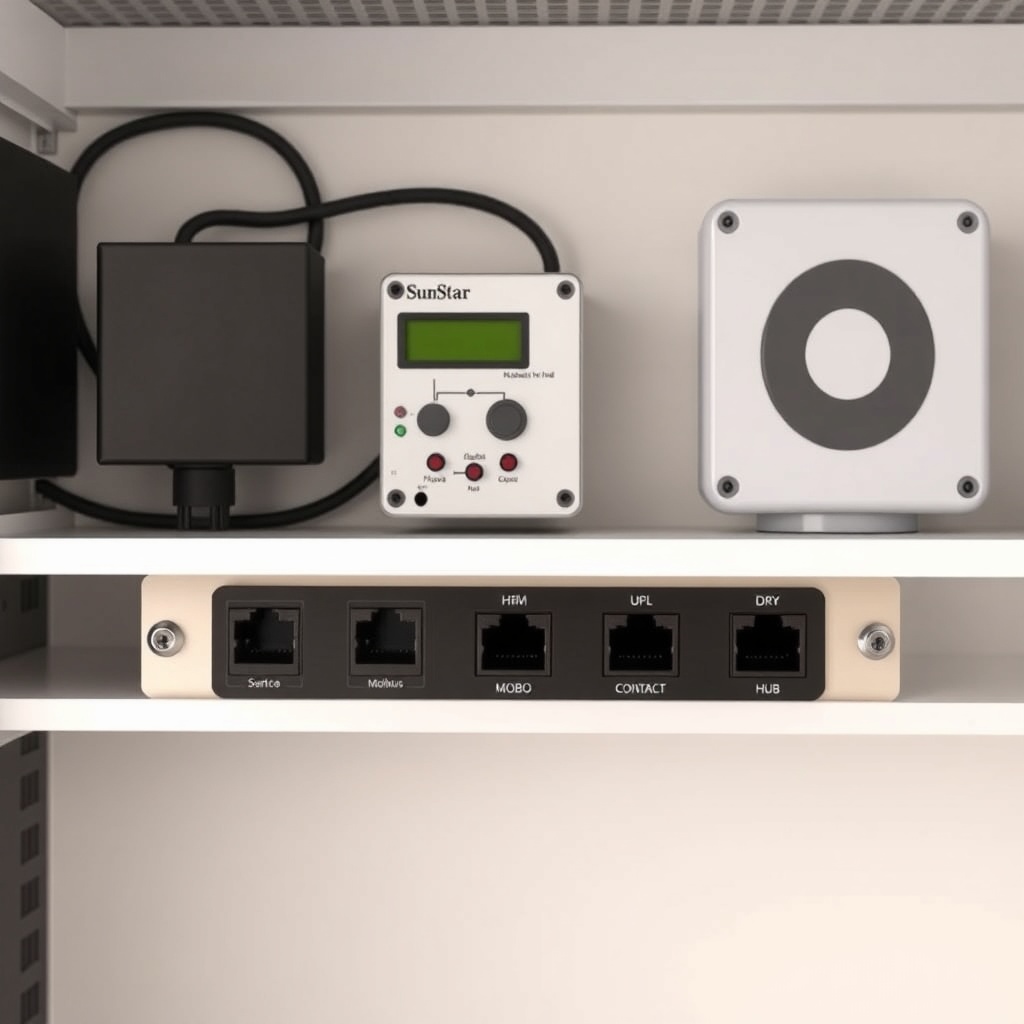
Yes, the SunStar controller supports integration with major smart home platforms through its open API and physical I/O ports. For example, using the controller’s dry contact output (normally open, 24 VAC), you can connect a smart switch from Control4 or Crestron. The controller also offers Modbus RTU over RS-485, enabling connection to building management systems in commercial settings. For residential users, the optional Wi-Fi module allows pairing with Amazon Alexa or Google Assistant via the SunStar skill. Voice commands like “Alexa, set pool heater to grid-only mode” are supported. To configure a third-party integration, navigate to “Integration Settings” on the controller, select “Add Device,” and follow the on-screen prompts to generate an API key or serial address. For customized setups, consult a professional electrician familiar with automation protocols. This flexibility is especially valuable for those who already use Sizing SunStar Solar Pool Heater for Commercial Pools: Key Considerations for large-scale installations where building automation is critical.
What Owners Say About SunStar Smart Grid Performance
Owners in California and Texas report 12–18% reductions in monthly electricity bills after enabling smart grid integration, with heating maintained within 2–3°F of setpoint. Many appreciate that the controller’s seven-day programmable schedule remains intact even when grid events occur. Some users note that the initial pairing can be tricky if the smart meter uses a proprietary Zigbee profile, but SunStar’s technical support typically resolves this within one call. In colder climates like Colorado, owners confirm that freeze protection overrides work reliably during grid events, even in sub-zero nights. A common tip: set the rate-based threshold 20% below your utility’s peak price to ensure heating runs consistently during off-peak periods. For those with above-ground pools, integrating the controller with proper system sizing is recommended—see Sizing SunStar Solar Pool Heater for Inground vs Above Ground Pools for guidance on matching panel area and pump flow.
Frequently Asked Questions
Q1: Do I need a special smart meter for the SunStar controller to work?
A: Yes, the controller requires a smart meter that supports OpenADR 2.0b or Zigbee SEP 2.0 protocols. Most modern meters from utilities like Southern California Edison or PG&E are compatible. Contact your provider to confirm.
Q2: Can the controller operate fully offline after programming?
A: Yes, once programmed, the controller runs on its internal schedule and sensor logic. Grid communication is only needed for live price updates or demand signals. All settings are stored locally.
Q3: How do I reset the controller after a power outage or firmware update?
A: Hold down the “Grid” button on the front panel for 10 seconds until the display shows “Reset Complete.” This restores factory grid settings but retains user schedules. For firmware updates, connect to Wi-Fi and follow the app prompt.
Q4: Does smart grid integration void the SunStar warranty?
A: No, as long as the communication module and wiring meet SunStar specifications. The warranty covers the controller itself, but not third-party equipment or improper installation.
Q5: Can I combine smart grid programming with my existing vacuum break system?
A: Absolutely. The controller prioritizes freeze and siphon protection over grid commands. For installation tips on vacuum breaks, read the SunStar Solar Pool Heater Vacuum Break Installation Guide: Prevent Siphon Damage.
Q6: Is there a mobile app for remote monitoring?
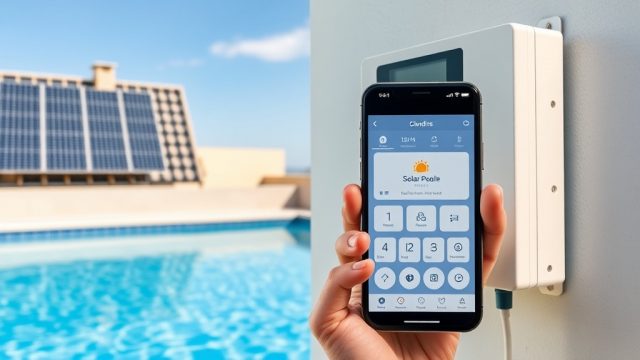
A: Yes, the SunStar Connect app (iOS/Android) provides dashboard access to heating status, grid events, and historical data. You can also manually override grid settings from the app if needed.