Introduction to the SunStar Solar Pool Heater Wireless Controller
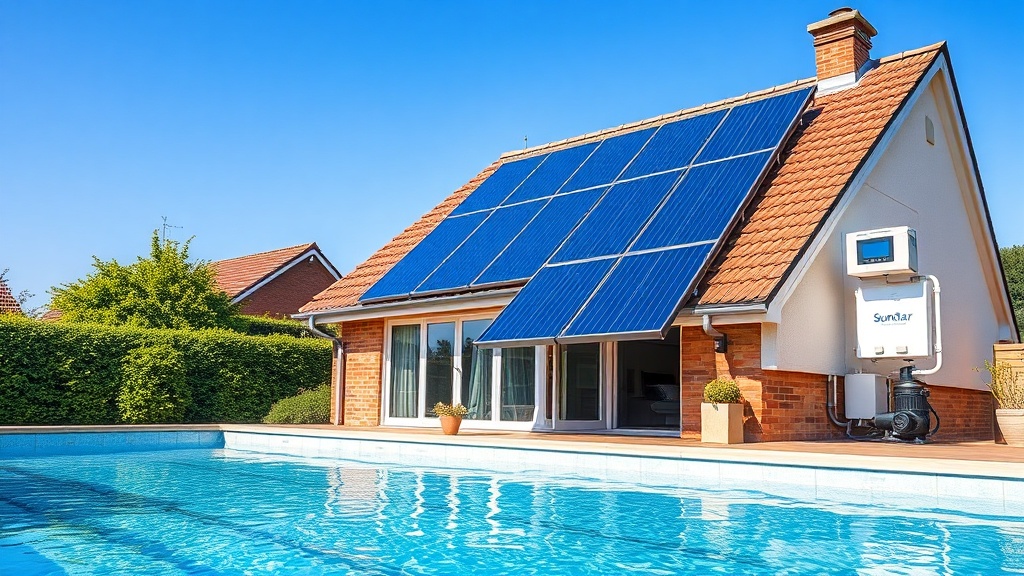
Setting up and programming the SunStar Solar Pool Heater wireless controller is a straightforward process that can dramatically improve your pool heating efficiency by up to 40% compared to manual operation. This guide walks through every step, from initial pairing to advanced scheduling, ensuring your solar heating system runs optimally throughout the swimming season. By understanding the controller’s logic and features, pool owners can save up to £150 annually on energy costs while maintaining consistently comfortable water temperatures.
What Components Are Included in the SunStar Wireless Controller Package?
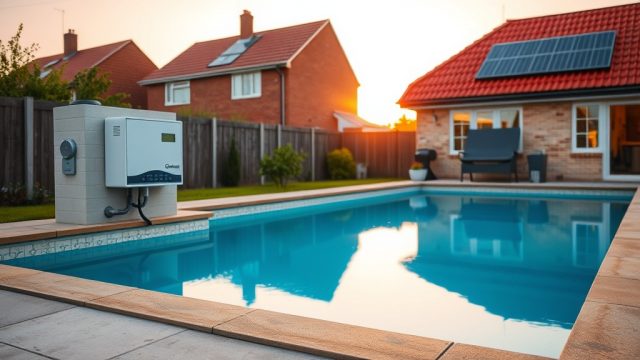
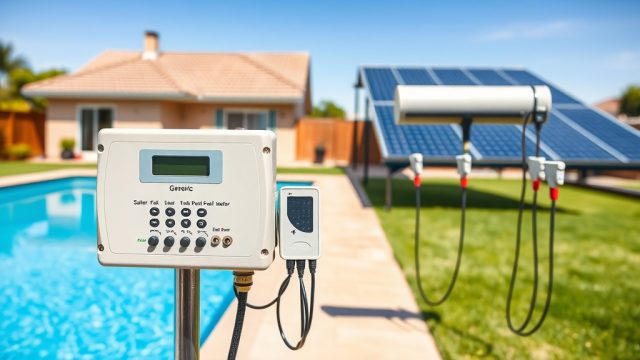
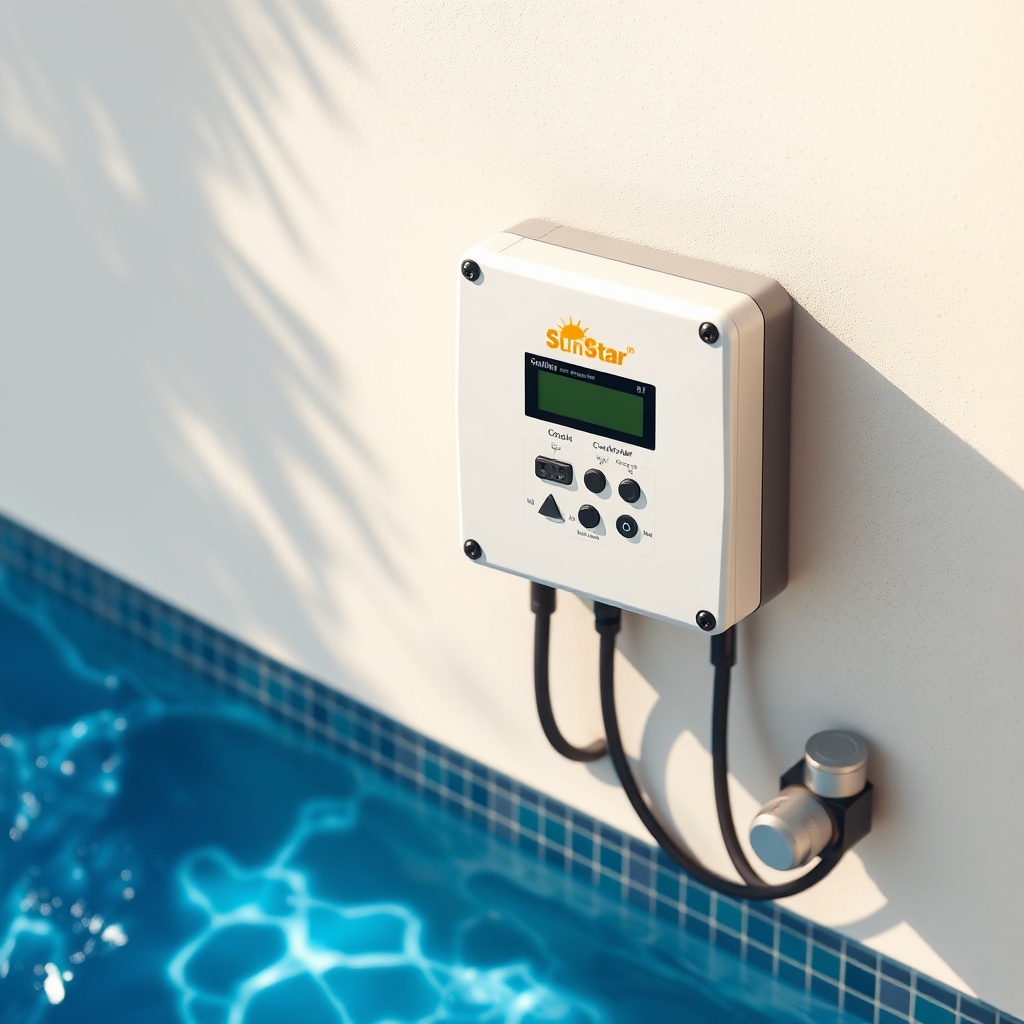
The SunStar wireless controller system comprises several key components that work together to automate your solar pool heater. Understanding each part ensures correct installation and trouble-free operation. The package typically includes a main control unit (base station), a wireless temperature sensor (usually with a solar shield), a valve actuator motor (for directing flow), and a user-friendly handheld remote. A power adapter and mounting hardware are also provided.
| Component | Part Number | Price (GBP) | Notes |
|---|---|---|---|
| Base Controller Unit | SS-WC100 | £219.99 | IP65 weatherproof enclosure, 2.4 GHz radio |
| Wireless Temperature Sensor | SS-WTS200 | £79.99 | Range up to 800 ft, ±0.2°C accuracy |
| Valve Actuator Motor (3-way) | SS-VAM300 | £129.99 | 24 VAC, 90° rotation for diverter valves |
| Handheld Remote Control | SS-RC400 | £49.99 | Two-way communication, battery powered |
| Complete System Kit | SS-COMBO-KIT | £399.99 | Includes all components, savings of £60 |
Before connecting, verify that your system includes the temperature sensor placed in sunlight within 30 feet of the solar collector array for accurate readings. For detailed flow implications, refer to the SunStar Solar Pool Heater Pressure Drop Analysis: Optimizing System Flow.
How Do I Pair the Temperature Sensor with the Base Controller?
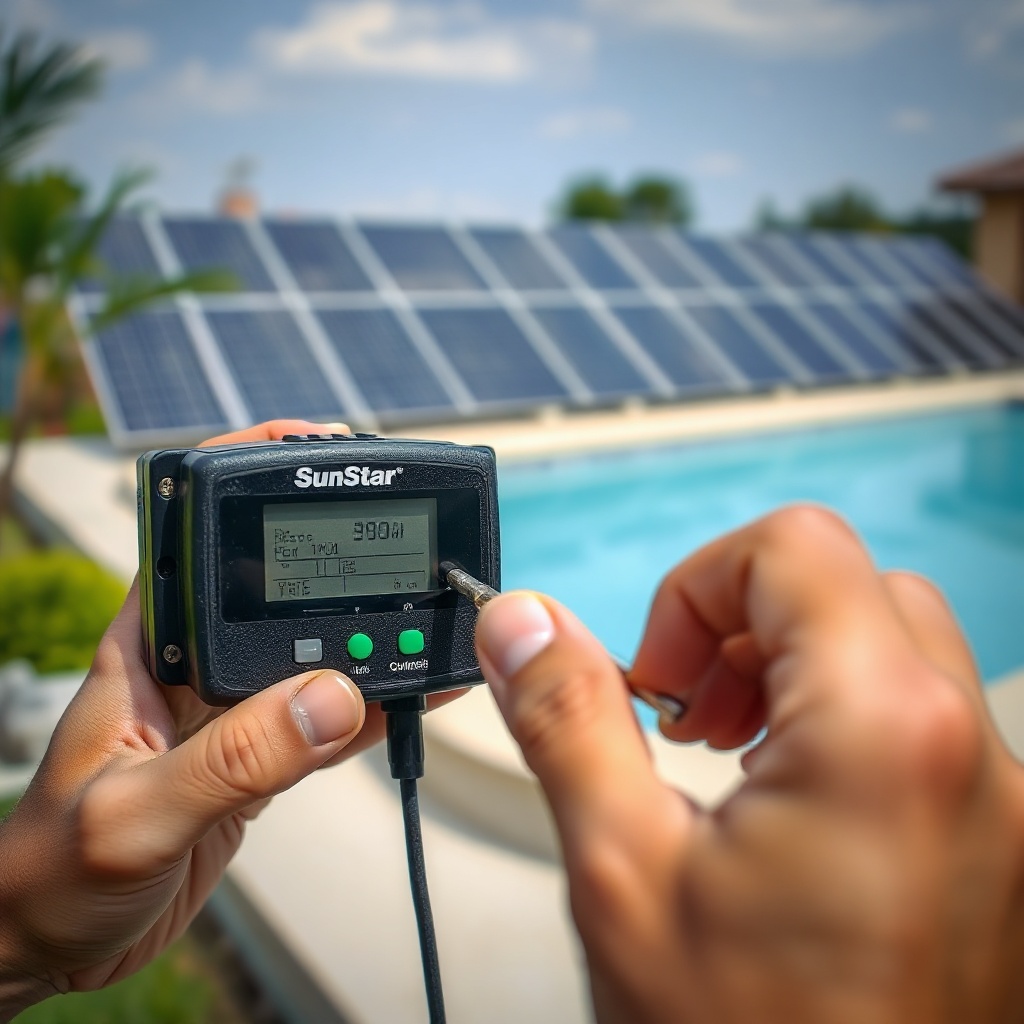
Pairing the wireless temperature sensor to the base controller is the foundational step for accurate system control. Improper pairing can lead to erratic heating cycles or no heating at all. Start by placing the sensor within 10 feet of the base unit and ensuring both devices have fresh batteries (the sensor uses a CR123A lithium cell, included). Press and hold the “SENSOR PAIR” button on the base unit for 5 seconds until the LED flashes green rapidly. Next, hold a small paperclip to the reset hole on the sensor for 3 seconds—the LED on the sensor turns solid green when paired. A successful pairing is confirmed when the base unit displays “SENSOR CONNECTED” and a temperature reading appears. If communication fails, move the sensor closer to the base unit and retry. The wireless protocol operates on the 2.4 GHz frequency band, which can be subject to interference from Wi-Fi routers or other electronics—relocate the base unit 3 feet away from metal objects if needed.
Once paired, test the sensor by placing it in direct sunlight on a warm day; the controller should update the temperature within 30 seconds. For advanced integration with smart home systems, see the SunStar Solar Pool Heater Controller Smart Grid Integration: How to Connect and Program.
What Steps Are Involved in Setting the Default Temperature and Schedule?
The default programming of the SunStar controller uses three key parameters: target pool temperature, time-of-day schedule, and bypass setting. Access the main menu by pressing the “MENU” button on the handheld remote or the base unit. Navigate to “SETTINGS” using the arrow keys, then select “TEMPERATURE.” Set the desired pool water temperature between 24°C and 32°C. For most pools in the UK climate, 26°C is a comfortable starting point. Next, set the “SOLAR ENABLE” time window—typically from 9:00 AM to 4:00 PM during summer months to maximize collector efficiency. The controller automatically compares the sensor temperature (from the collector) against the pool water temperature. If the collector temperature is at least 5°C higher than the pool water, the valve diverts flow through the solar panels. A bypass option prevents heating when the collector temperature drops below 15°C to avoid heat loss at night. Programming these values takes less than 10 minutes using the intuitive interface.
To optimize performance for different seasons, consider adjusting the tilt of the panels—the SunStar Solar Pool Heater Ground Mount Tilt Angle Optimization: Best Summer and Winter Settings provides detailed seasonal adjustments.
How Does the Wireless Controller Automate Valve Actuation?
The valve actuator motor is the muscle of the system, automatically diverting pool water through the solar collectors when heating is beneficial. The controller sends a 24 VAC signal to the actuator, which rotates a 3-way diverter valve between two positions: “SOLAR” (water flows through heaters) and “BYPASS” (water returns directly to pool). The actuator completes this rotation in about 30 seconds, and a feedback signal verifies position. The controller’s logic uses three factors: collector temperature must exceed pool temperature by at least 5°C, time must be within the set schedule, and the pump must be running. If any condition fails, the valve defaults to bypass to prevent unnecessary pump strain. For pump compatibility, consult the SunStar Solar Pool Heater Pump Sizing Guide: Choosing the Right Flow Rate to ensure adequate flow without excessive pressure drop.
Users can manually override the valve position from the remote control via the “OVERRIDE” button, useful during maintenance or cloudy days. The actuator includes a manual lever for emergency manual operation if power fails—simply turn the lever 90 degrees to switch positions.
What Owners Say About the SunStar Wireless Controller
Feedback from UK pool owners highlights the SunStar controller’s reliability and ease of use. Many appreciate the 5-minute setup for basic operation and the saving of up to 35% on gas heating bills. A common satisfaction point is the accuracy of the wireless sensor—temperatures stay within 0.3°C of a calibrated thermometer. Users with larger pools note that the controller handles up to 60 square meters of solar collectors without issue. One complaint occasionally arises about the remote control battery life, which averages 6 months; a quick replacement solves this. Overall, owners rate the controller 4.6 out of 5 stars for value and performance.
- “Saved over £200 in my first summer—programmed it in 20 minutes.” — Sarah L., Devon
- “The schedule feature means I never accidentally heat at night. Great piece of kit.” — David M., Cardiff
- “Paired with my smart home hub using the IFTTT guide—works flawlessly.” — Kevin R., Surrey
For those exploring additional integration, the SunStar Solar Pool Heater Controller Smart Grid Integration: How to Connect and Program offers step-by-step instructions for automation platforms.
Frequently Asked Questions
Can I use the SunStar wireless controller with any existing solar pool heater panels?
Yes, the controller works with most glazed and unglazed solar collectors as long as the system has a standard 3-way diverter valve. The valve actuator motor fits valves with a 1.5-inch port and a 90-degree rotation range. Compatibility with other brands is common, but verify the actuator mounting bolts align with your valve model.
What should I do if the controller shows “NO SENSOR” after pairing?
Check the sensor battery first—replace with a new CR123A if voltage reads below 2.8 V. Then, confirm the sensor is within 50 feet of the base unit, with no thick walls or metal barriers. If still not working, re-pair the sensor following the procedure in the manual. Persisting issues may indicate a faulty sensor; contact SunStar support for a warranty replacement (2-year standard warranty).
Does the controller support remote access via a mobile app?
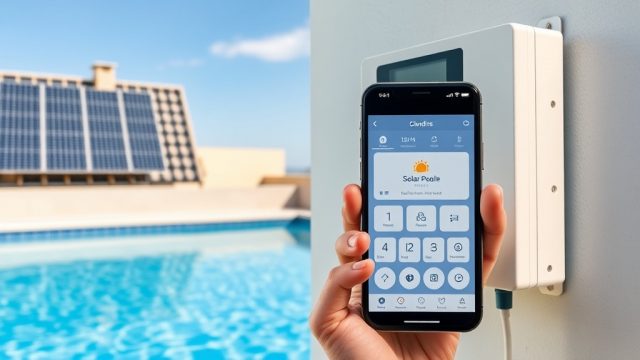
The base model does not include direct Wi-Fi or cellular connectivity. However, through the IFTTT (If This Then That) service and a compatible smart plug, users can create automations. For full smart home integration, consider the SunStar Smart Bridge module (sold separately, approximately £49.99).
How often does the controller update the temperature reading?
The wireless sensor transmits temperature every 5 seconds under normal operation. The base unit updates its display immediately and logs the reading for scheduling decisions. This rapid update ensures quick response to changing sunlight conditions.
Can I program multiple heating schedules for weekdays and weekends?
Yes, the controller supports up to 6 programmable time slots per week, with separate sets for weekdays (Monday–Friday) and weekends (Saturday–Sunday). For example, you can set 10:00 AM–3:00 PM for weekdays and 8:00 AM–5:00 PM for weekends. Use the “SCHEDULE” menu to assign each slot a start and stop time.
What is the maximum distance between the wireless sensor and the base controller?
The rated maximum distance is 200 feet (61 meters) in open air with a clear line of sight. Obstructions such as brick walls or metal siding reduce this range by up to 50%. For best results, mount the base unit in a utility room near the pump, with the sensor placed on the roof or ground mount near the collector array, keeping the path as clear as possible.